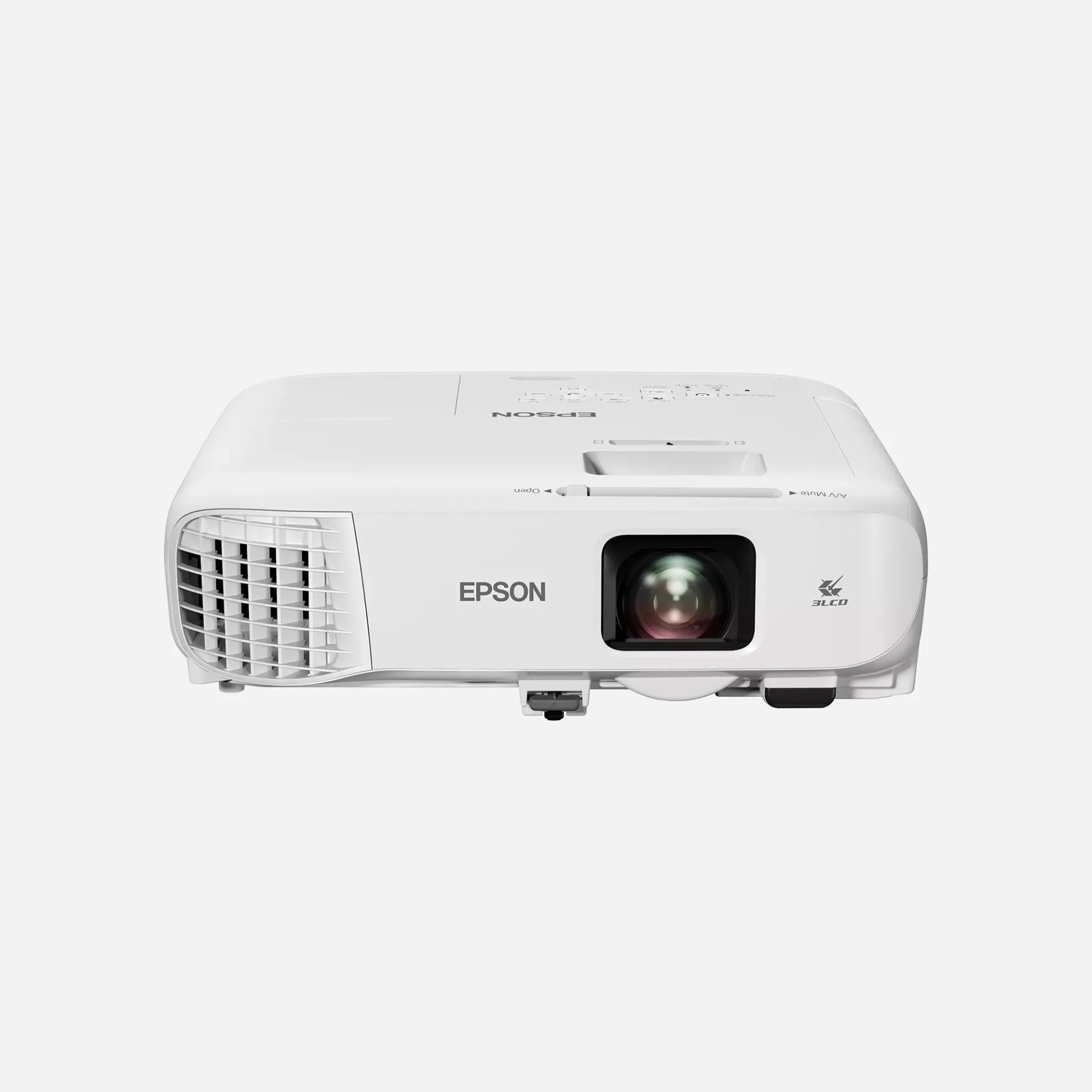
Overview
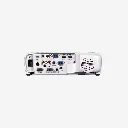
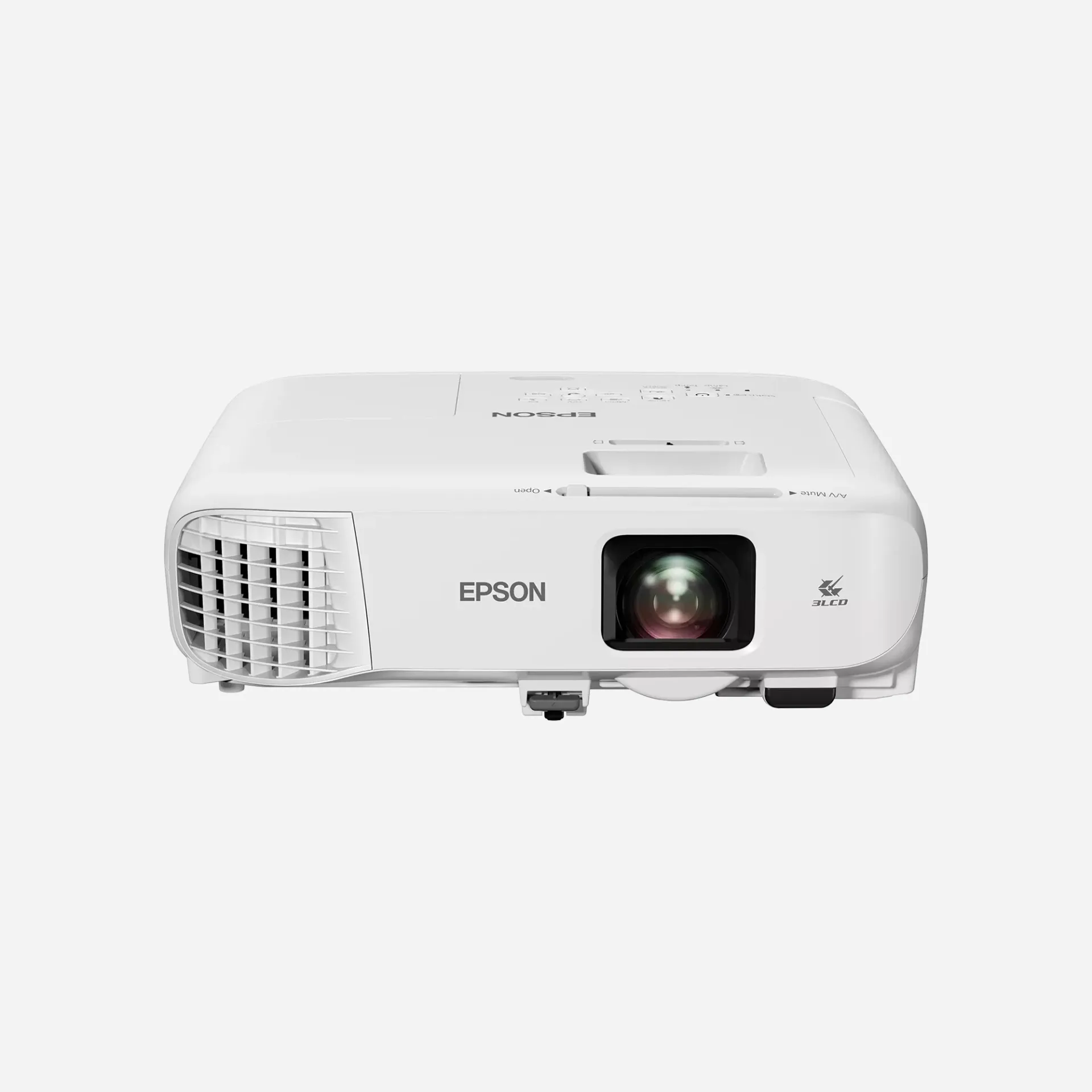
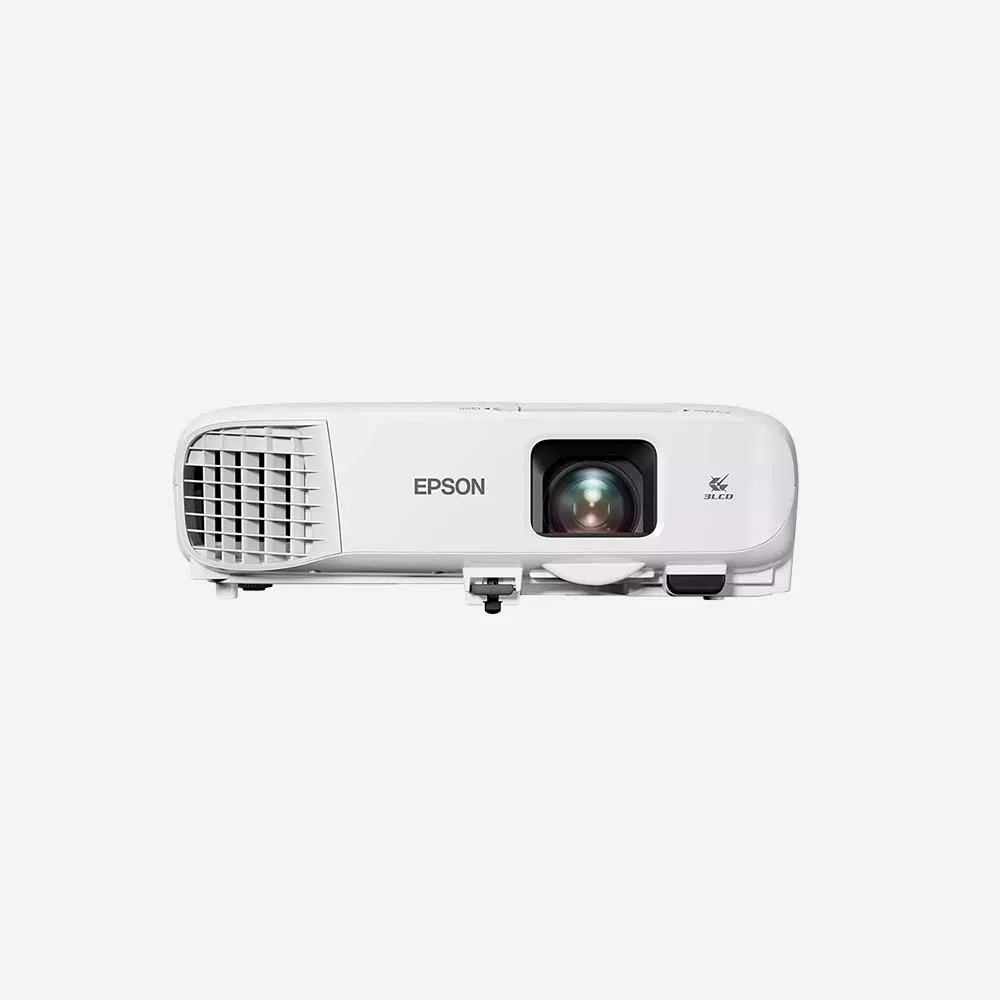
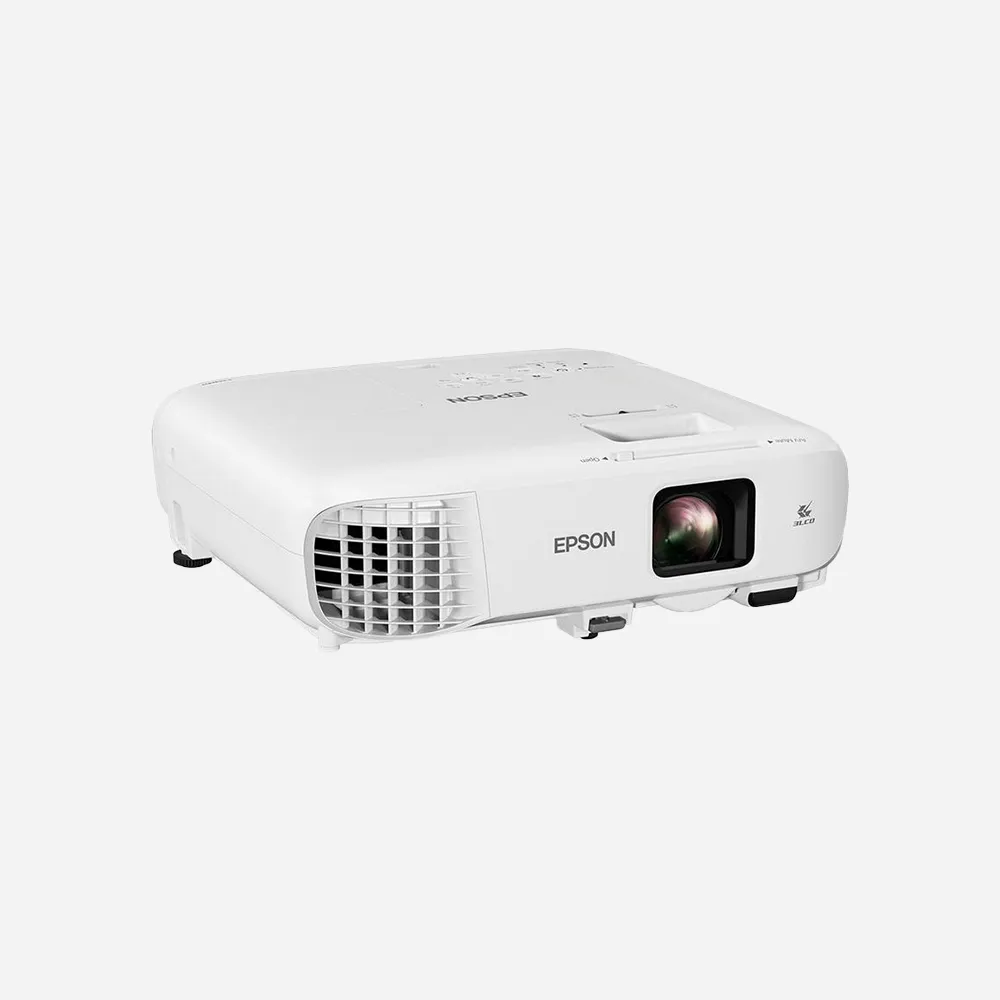
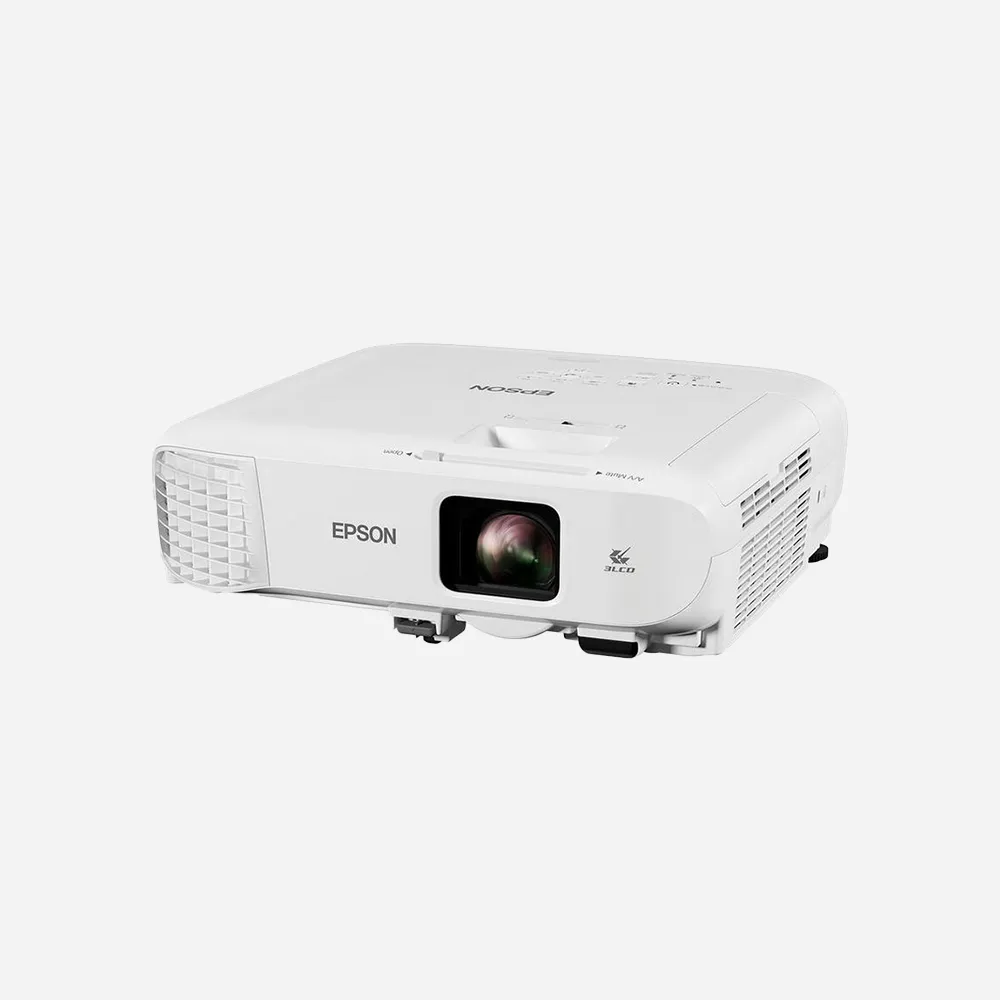
Optimise your presentation's potential with this bright WXGA projector that’s capable of producing a large and scalable screen size. Excessive downtime is a thing of the past with this reliable projector that can deliver years of use before a replacement lamp is required or the air filter needs attention. It has a range of connectivity solutions and is fuss free to set up.

Specifications
FAQs
1. What is the Epson EB-982W projector used for?
The Epson EB-982W is a high-brightness WXGA business and education projector designed for classrooms, meeting rooms, training centers, and professional presentations. It delivers clear images, vivid colors, and reliable performance in bright environments.
2. How bright is the Epson EB-982W projector?
The Epson EB-982W offers up to 4,200 lumens of both color and white brightness, making it suitable for presentations in well-lit rooms without sacrificing image quality.
3. What resolution does the Epson EB-982W support?
The projector features WXGA (1280 × 800) resolution with a 16:10 aspect ratio, providing sharp text, detailed graphics, and widescreen presentation support.
4. Is the Epson EB-982W suitable for classrooms and meeting rooms?
Yes. The Epson EB-982W is specifically designed for educational and business environments, offering high brightness, flexible connectivity, and easy setup for everyday presentations.
5. What is the maximum screen size of the Epson EB-982W?
The projector can display images up to 300 inches, making it ideal for large classrooms, conference rooms, and training facilities.
6. Does the Epson EB-982W support wireless presentations?
Yes. With optional wireless connectivity, users can present content from laptops, smartphones, and tablets without requiring a direct cable connection.
7. What connectivity options are available on the Epson EB-982W?
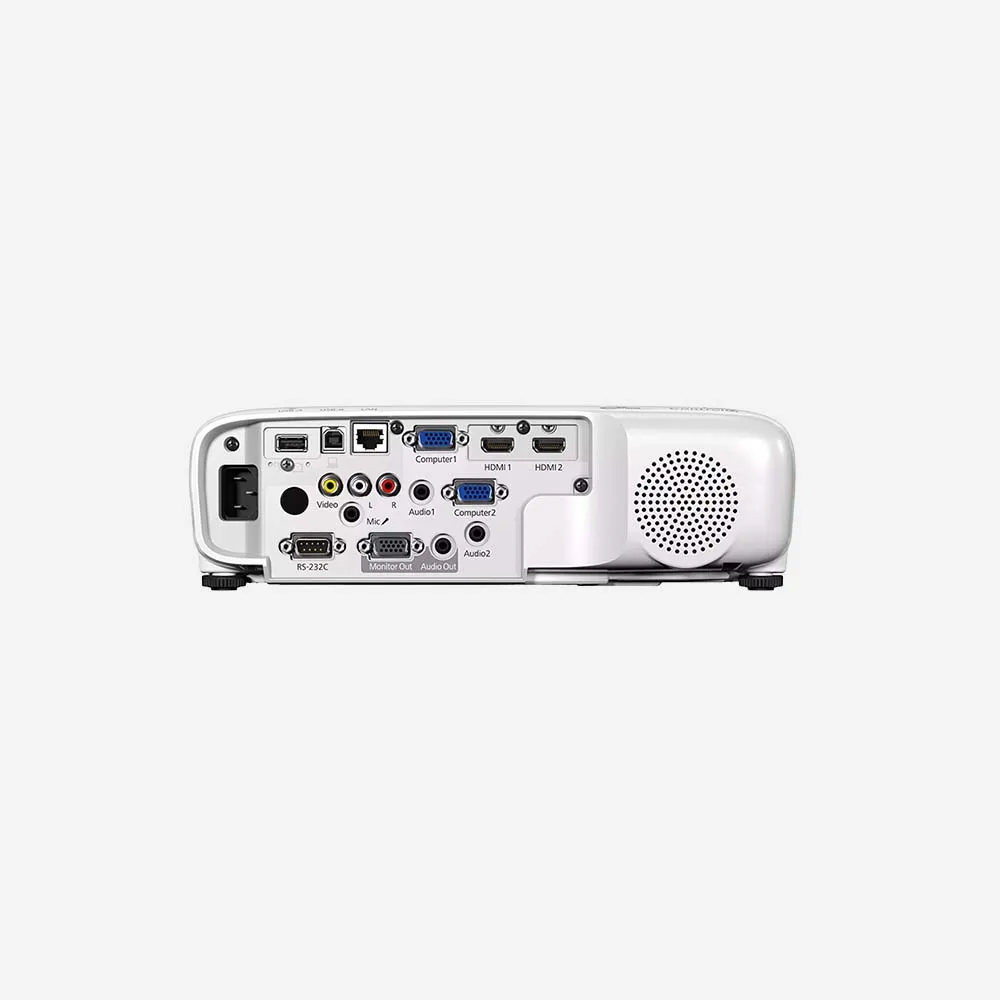
The Epson EB-982W includes multiple connectivity options such as HDMI, VGA, USB, Ethernet (LAN), and optional wireless networking, ensuring compatibility with various devices.
8. Does the Epson EB-982W have a built-in speaker?
Yes. The projector features a powerful 16W built-in speaker, providing clear audio for presentations, lessons, and video content without the need for external speakers in most rooms.
9. How long does the Epson EB-982W lamp last?
The lamp can last up to 17,000 hours in Eco Mode, helping reduce maintenance requirements and overall operating costs.
10. Can I connect a laptop to the Epson EB-982W projector?
Yes. You can connect a laptop using HDMI, VGA, USB, or network connections, depending on your setup and device compatibility.
11. Does the Epson EB-982W support split-screen functionality?
Yes. The projector supports split-screen projection, allowing users to display content from two different sources simultaneously for comparison and collaboration.
12. Is the Epson EB-982W compatible with document cameras?
Yes. Epson document cameras can be connected to the projector, making it an excellent solution for teaching, demonstrations, and business presentations.
13. How easy is it to install the Epson EB-982W?
The Epson EB-982W includes features such as automatic vertical keystone correction and horizontal adjustment tools, making installation and image alignment quick and simple.
14. Can the Epson EB-982W be managed remotely?
Yes. Through its network capabilities, IT administrators can monitor, control, and manage the projector remotely across a network.
15. Why choose the Epson EB-982W projector?
The Epson EB-982W combines 4,200-lumen brightness, WXGA resolution, long lamp life, flexible connectivity, wireless presentation support, and a large display size, making it an excellent projector for business presentations, classrooms, and training environments.