Overview
How you express yourself is up to you
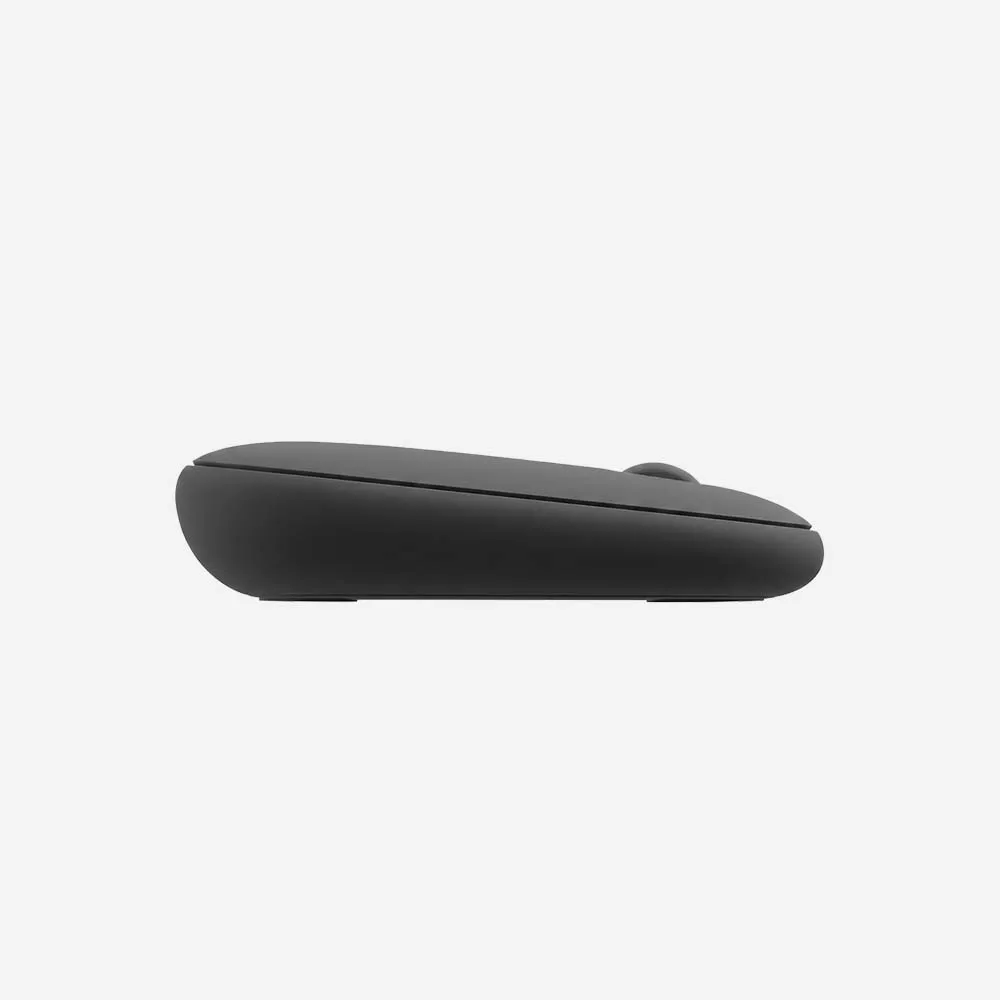
Defy mundane. Defy bland. DEFY BORING. Add a touch of your colorful self to your every day with the Pebble Mouse 2. A mouse with more color and even smarter tech.
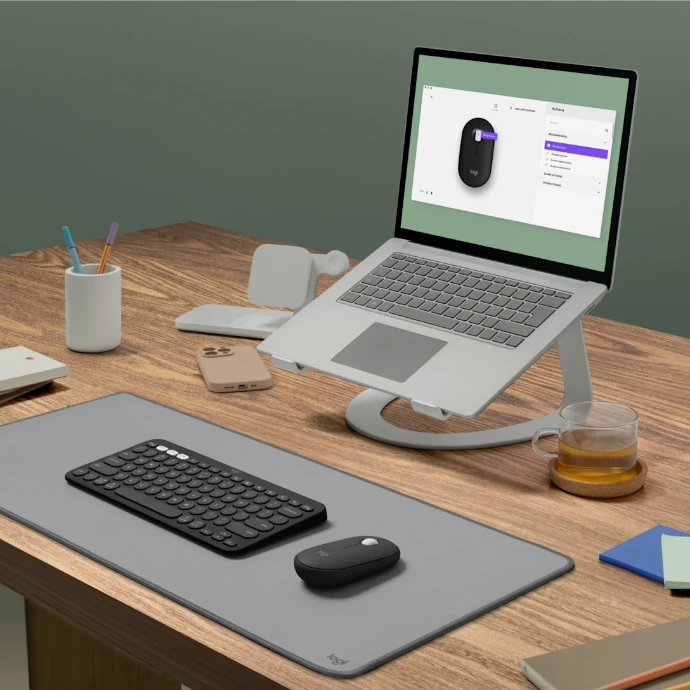
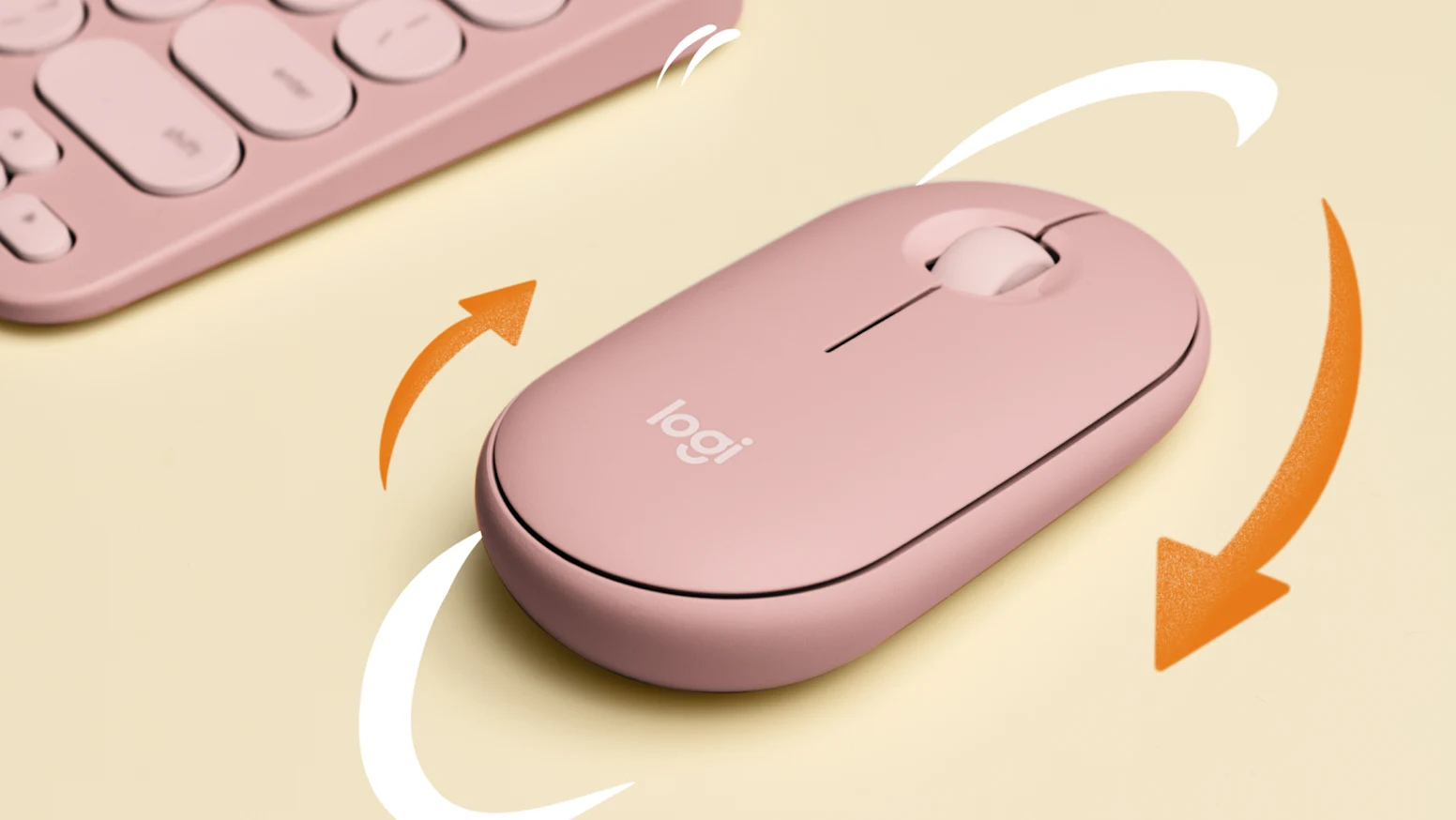
Designed to be different
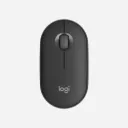
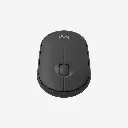
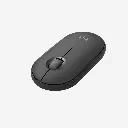
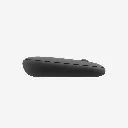
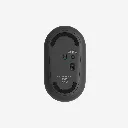
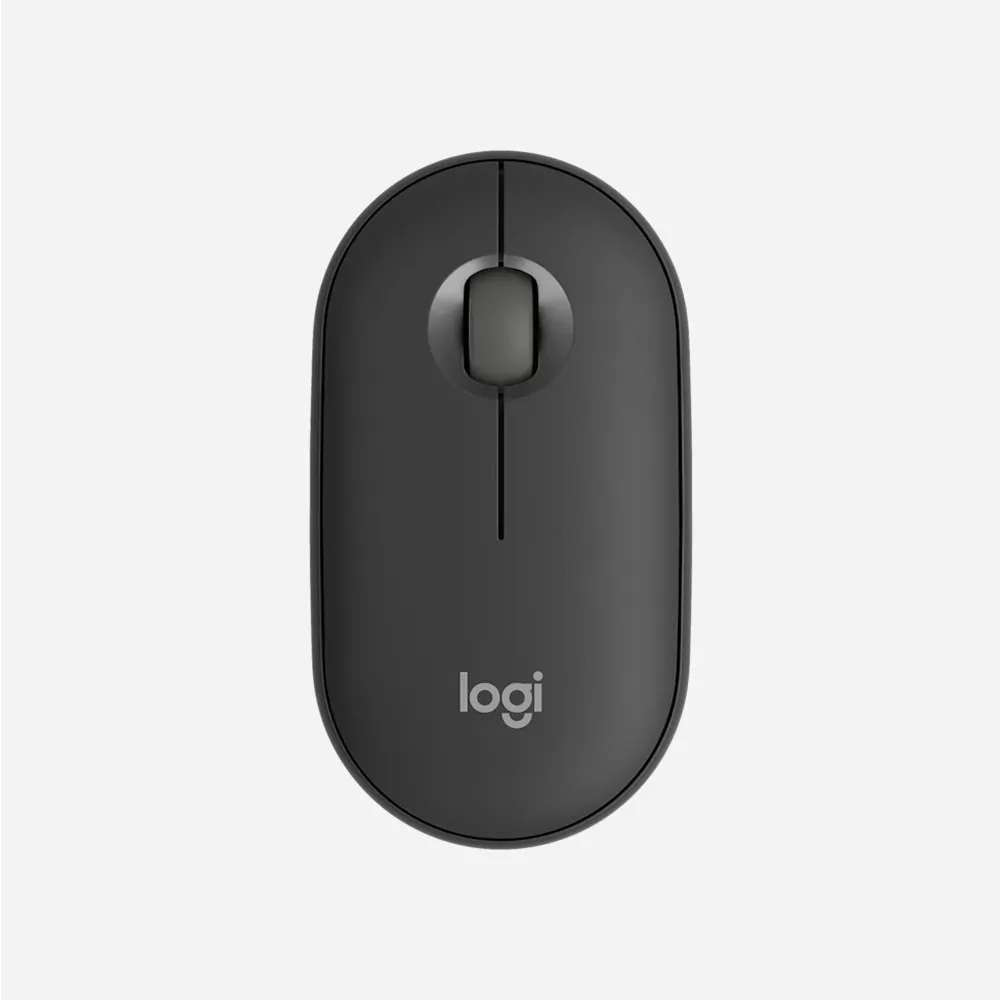
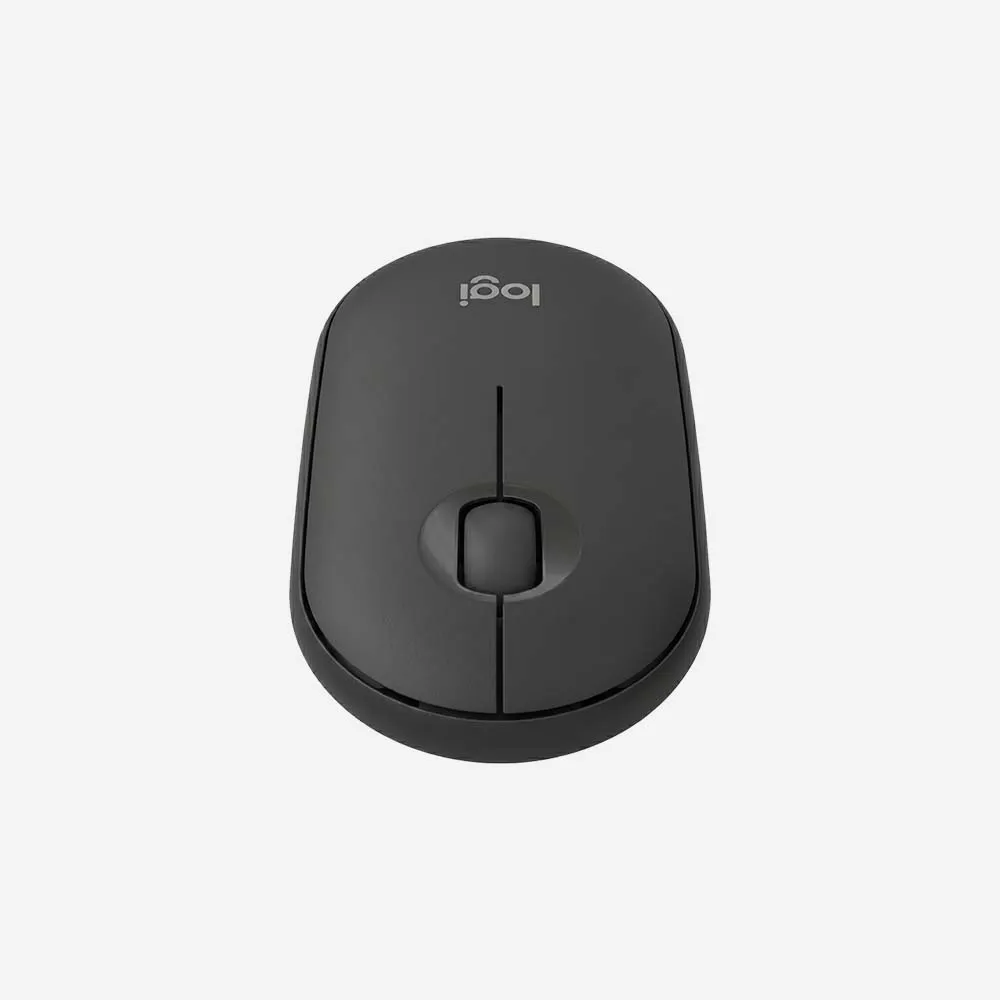
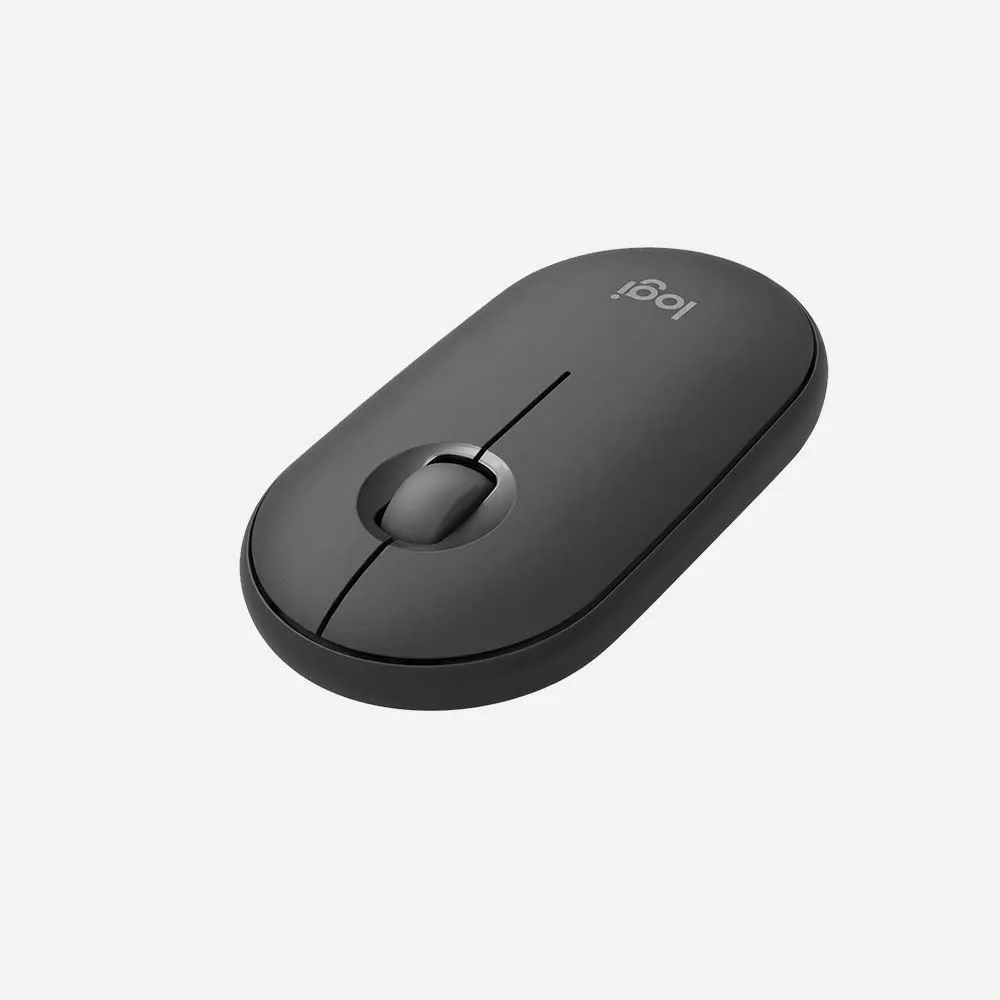
Let the world see who you are with the Pebble Mouse 2 M350s. A minimalist, slim, and round mouse designed to stand out.
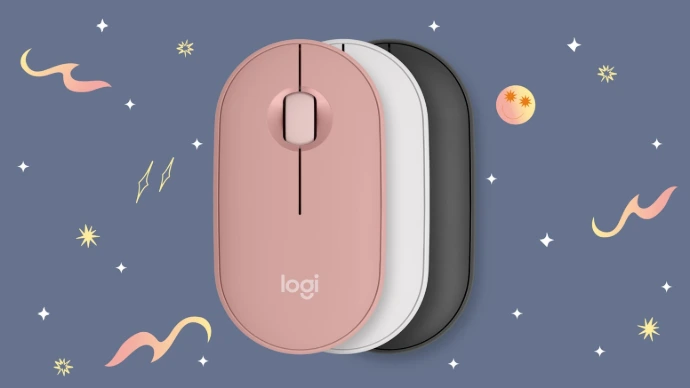
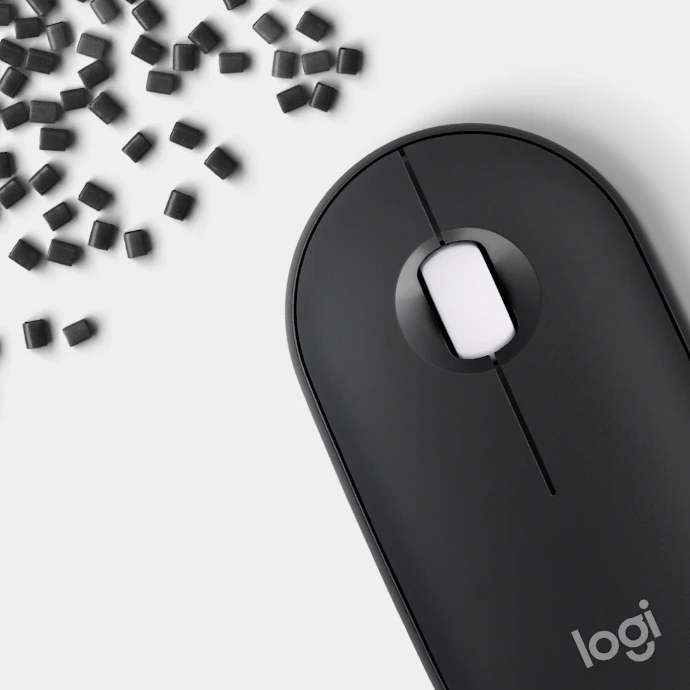
Recycled plastic doesn’t have to be dull
We don’t just stop at a unique design, we make sure that our products are responsibly made too. The Pebble Mouse 2 comes in a range of colors made with more than 50% recycled plastic so you can choose a color that fits your vibe.
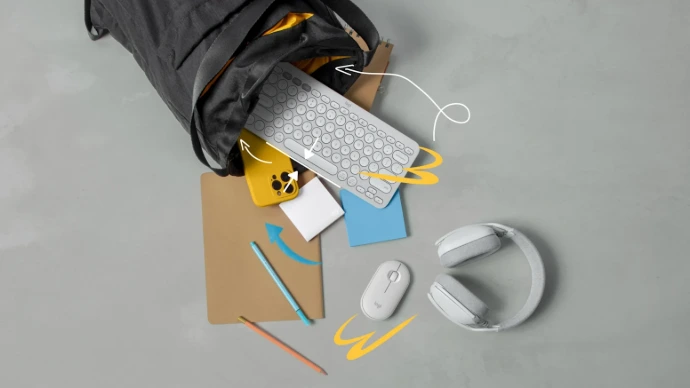
Ready to go when you are
Compact, and ready to make big moves. Its lightweight and portable design means you can slip the mouse into your bag, whenever, wherever.
Specifications
Sensor & Tracking
- Sensor Technology: High-precision optical tracking
- Nominal value: 1000 dpi
- DPI (Minimal and maximal value): 400-4000 dpi (Fully adjustable with 100DPI increments)
Buttons
- Number of Buttons: 3 (Left/Right-click, Scroll-wheel with middle click)
- Customizable button with Logi Options+ App: 1 (scroll wheel with middle click)*. (*Available on Windows and macOS at logi.com/optionsplus)
Features
- Customization app: Supported by Logi Options+ App on Windows and macOS*. (*Available on Windows and macOS at logi.com/optionsplus)
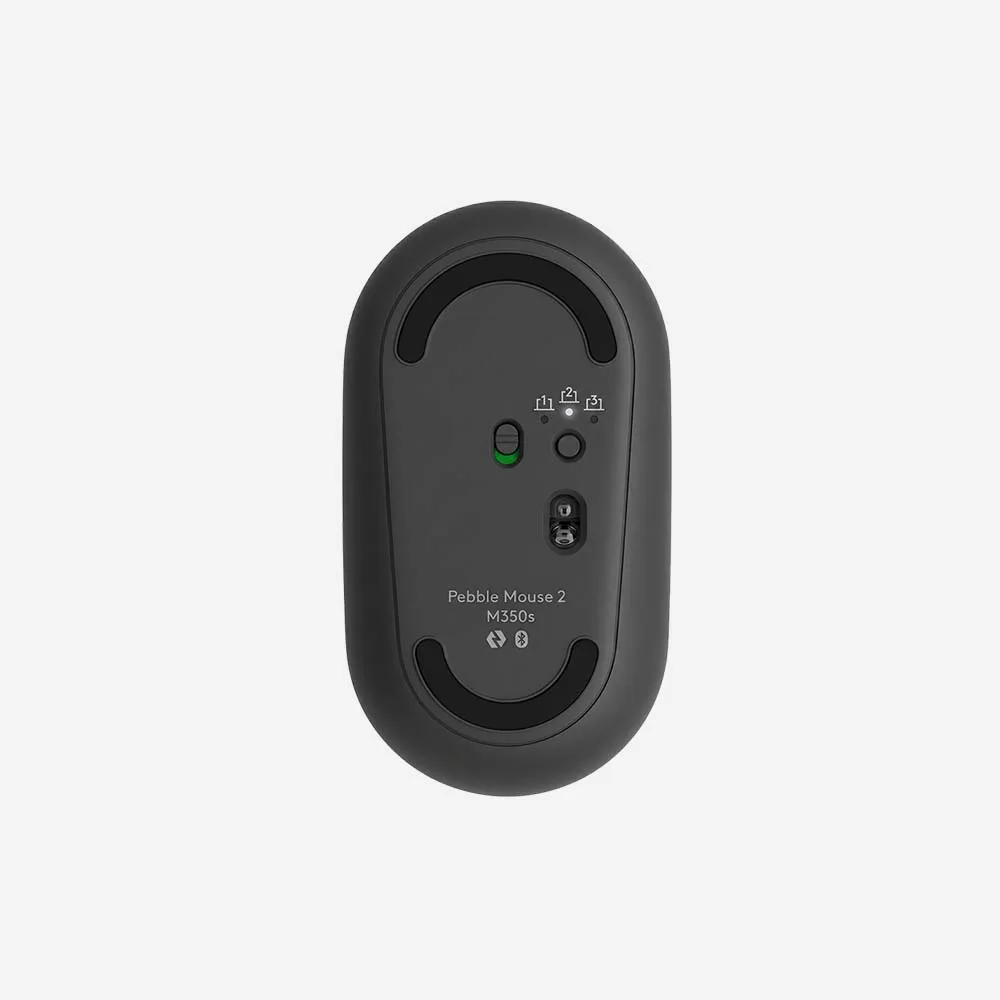
- Connect / Power: On/Off Switch
- Indicator Lights: 3 Easy-Switch Bluetooth channels
- Multi-device pairing (up to 3 devices)
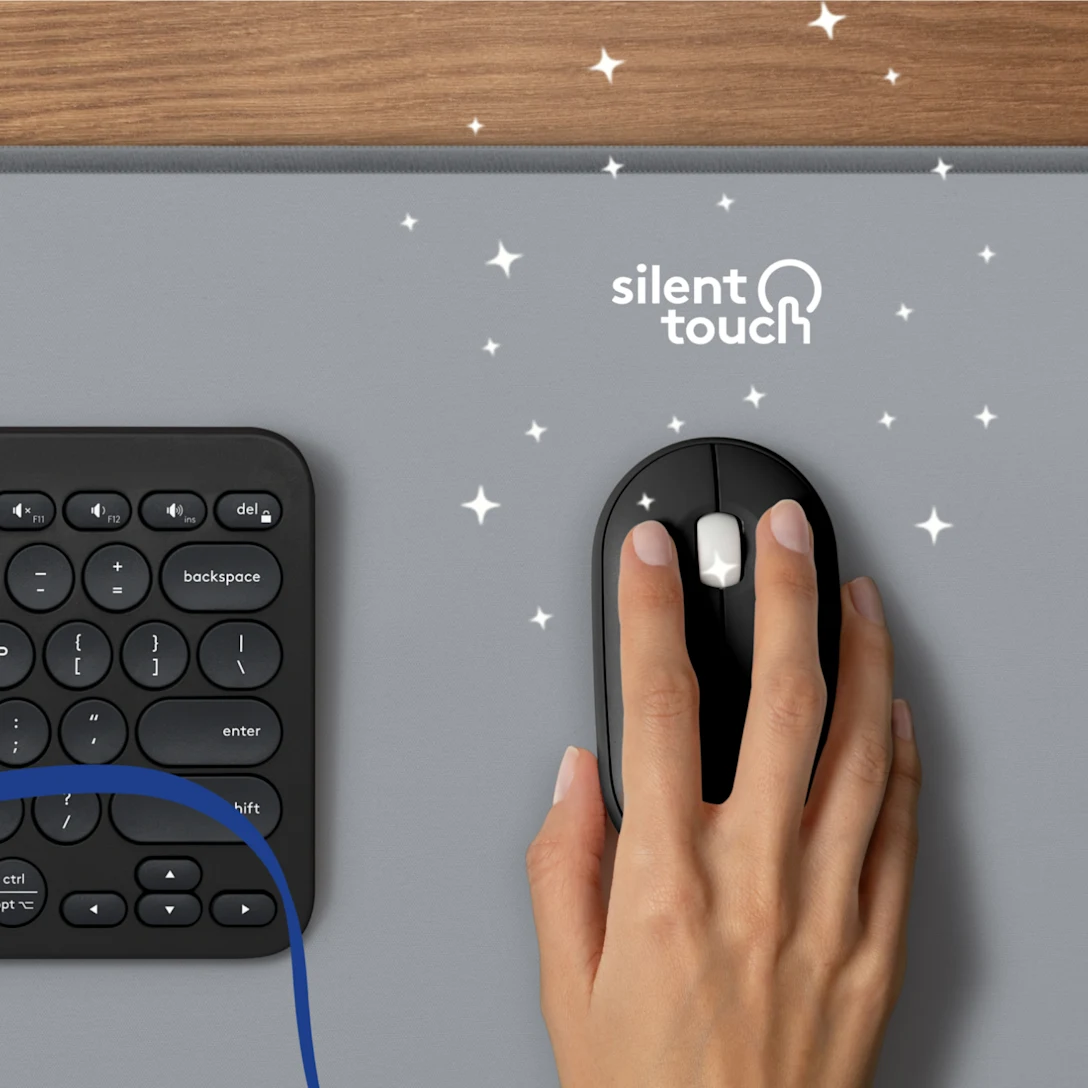
- Silent clicks with Silent Touch Technology*. (*Click noise reduced by over 90% compared to Logitech M185. Left click and typing dBA level measured by an independent lab at 1 meter.)
Battery
- Battery type: 1 AA battery (Alkaline Battery)
- Battery life: 24 months*. (*Battery life may vary based on user and computing conditions.)
Connectivity
- Connection Type: Bluetooth Low Energy Technology
- Wireless range: 32.8 ft (10 m)*. (*Wireless range may vary due to environmental and computing conditions.)
- Connection type support: Compatible with Logi Bolt USB receiver (not included)
System Requirements
- Requirements: Internet access required to download optional customization app Logi Options+
- Bluetooth: Bluetooth Low Energy Windows®* 10, 11 or later macOS* 11 or later iPadOS** 14 or later Android™** 9.0 or later ChromeOS™**, Linux®** Works With Chromebook™***. (*Customize the device by installing the Logi Options+ App for Windows or macOS., **Logi Options+ App is currently not supported. The device’s basic functions will work without it., ***This product works with devices capable of running the latest version of ChromeOS and has been certified to meet Google's compatibility standards. Google is not responsible for the operation of this product or its compliance with safety requirements. Chromebook and the Works With Chromebook badge are trademarks of Google LLC.)
- Logi Bolt USB receiver: Compatible with Logi Bolt USB receiver (not included).
- Compatibility: Compatible with MacBook Neo laptops. Instant Bluetooth® connection. Seamless. Color-matched.
FAQs
1. What is the Logitech Pebble Mouse 2 M350s?
The Logitech Pebble Mouse 2 M350s is a slim, portable wireless mouse designed for everyday productivity, offering quiet clicks, multi-device connectivity, and a modern minimalist design.
2. How does the Pebble Mouse 2 M350s connect to devices?
The mouse can connect via Bluetooth® wireless technology or through the included Logi Bolt USB receiver (depending on the package version).
3. Can I connect the Pebble Mouse 2 M350s to multiple devices?
Yes. The mouse supports Easy-Switch technology, allowing you to pair and switch between up to three devices with a single button.
4. Is the Pebble Mouse 2 M350s compatible with Windows and Mac?
Yes. It works with Windows, macOS, ChromeOS, Linux, iPadOS, and Android devices that support Bluetooth connectivity.
5. Are the clicks quiet?
Yes. The Pebble Mouse 2 M350s features Silent Touch technology, significantly reducing click noise while maintaining a familiar clicking feel.
6. Is the mouse suitable for travel?
Yes. Its lightweight, slim profile makes it easy to carry in a laptop bag, backpack, or travel case.
7. What type of battery does the Pebble Mouse 2 M350s use?
The mouse uses a single AA battery included in the box.
8. How long does the battery last?
Battery life can last up to 24 months, depending on usage and computing conditions.
9. Can I customize the mouse buttons?
Yes. Using Logi Options+ software, you can customize button functions and assign shortcuts to improve productivity.
10. Does the Pebble Mouse 2 M350s work on different surfaces?
Yes. The optical tracking sensor provides smooth and reliable performance on most everyday surfaces.
11. Is the mouse suitable for left-handed and right-handed users?
Yes. Its ambidextrous design makes it comfortable for both left-handed and right-handed users.
12. Does the mouse require any additional software to work?
No. The mouse works immediately after pairing, although installing Logi Options+ unlocks additional customization features.
13. Is the Pebble Mouse 2 M350s good for office and remote work?
Yes. Its quiet operation, portability, and multi-device support make it an excellent choice for office, home, and remote work environments.
14. Does the mouse support tablets and smartphones?
Yes. It can connect to compatible tablets and smartphones via Bluetooth, making it useful for mobile productivity.
15. Who is the Logitech Pebble Mouse 2 M350s best suited for?
The Pebble Mouse 2 M350s is ideal for students, professionals, remote workers, and travelers looking for a stylish, compact, and quiet wireless mouse.