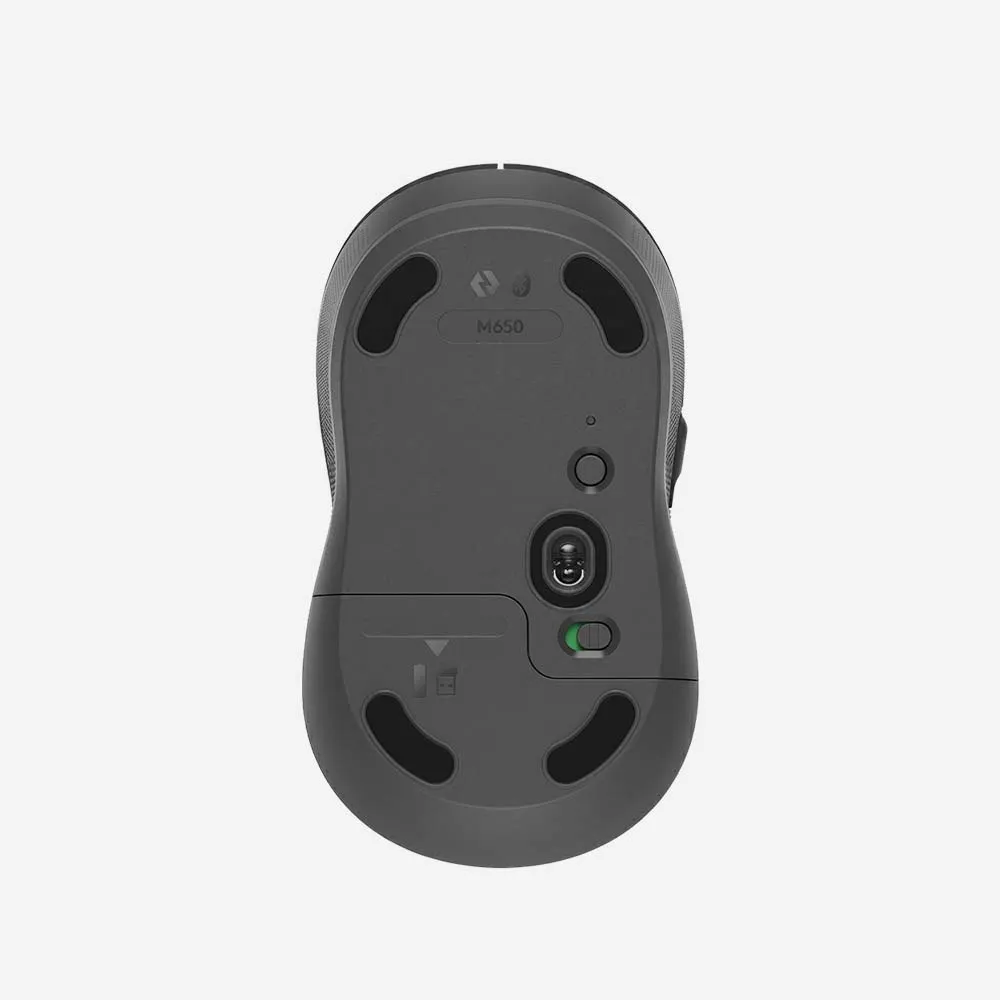
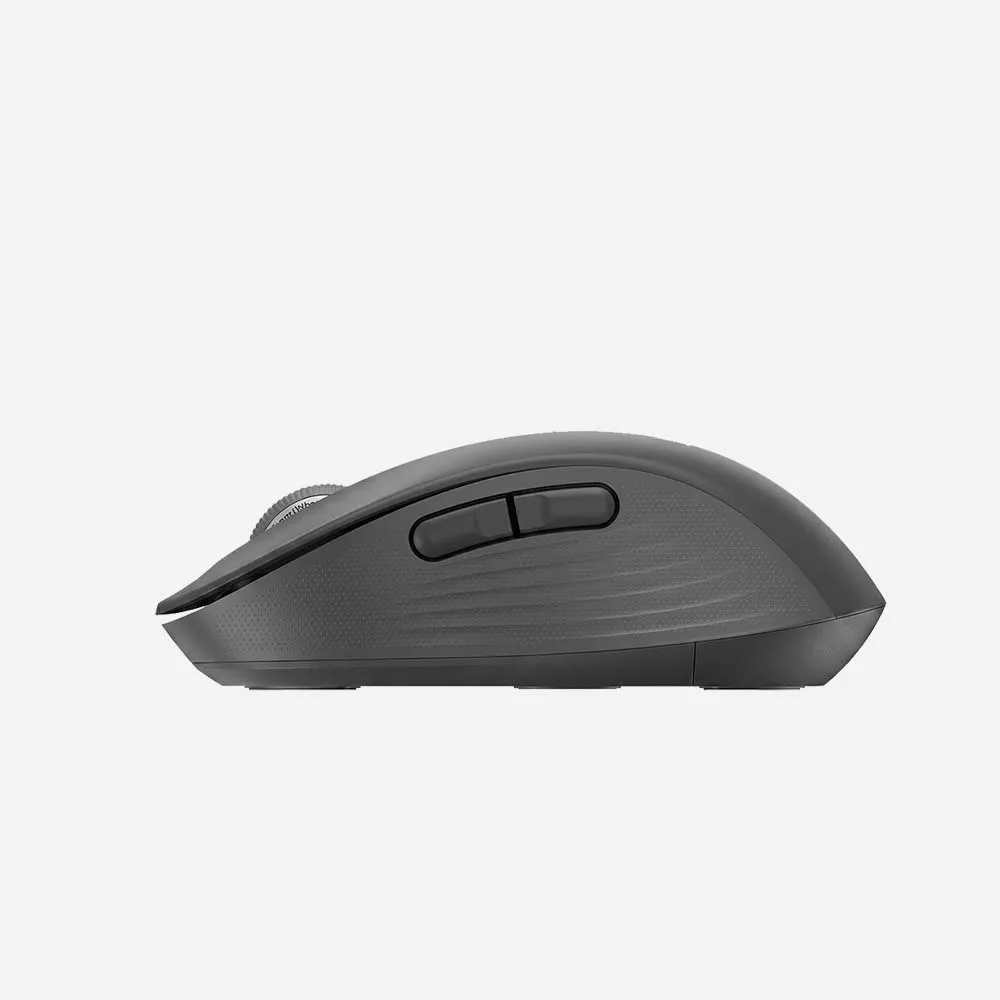
Overview
SmartWheel scrolling
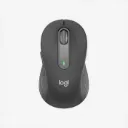
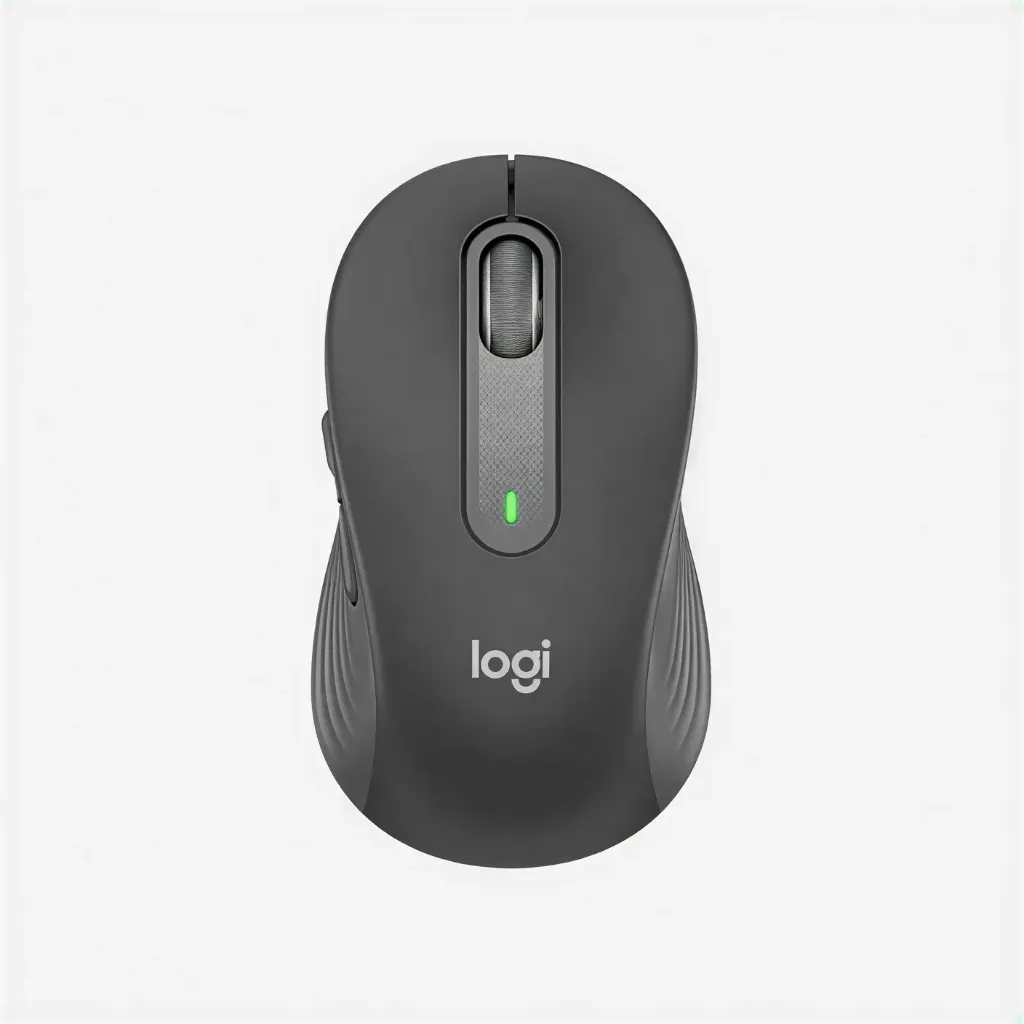
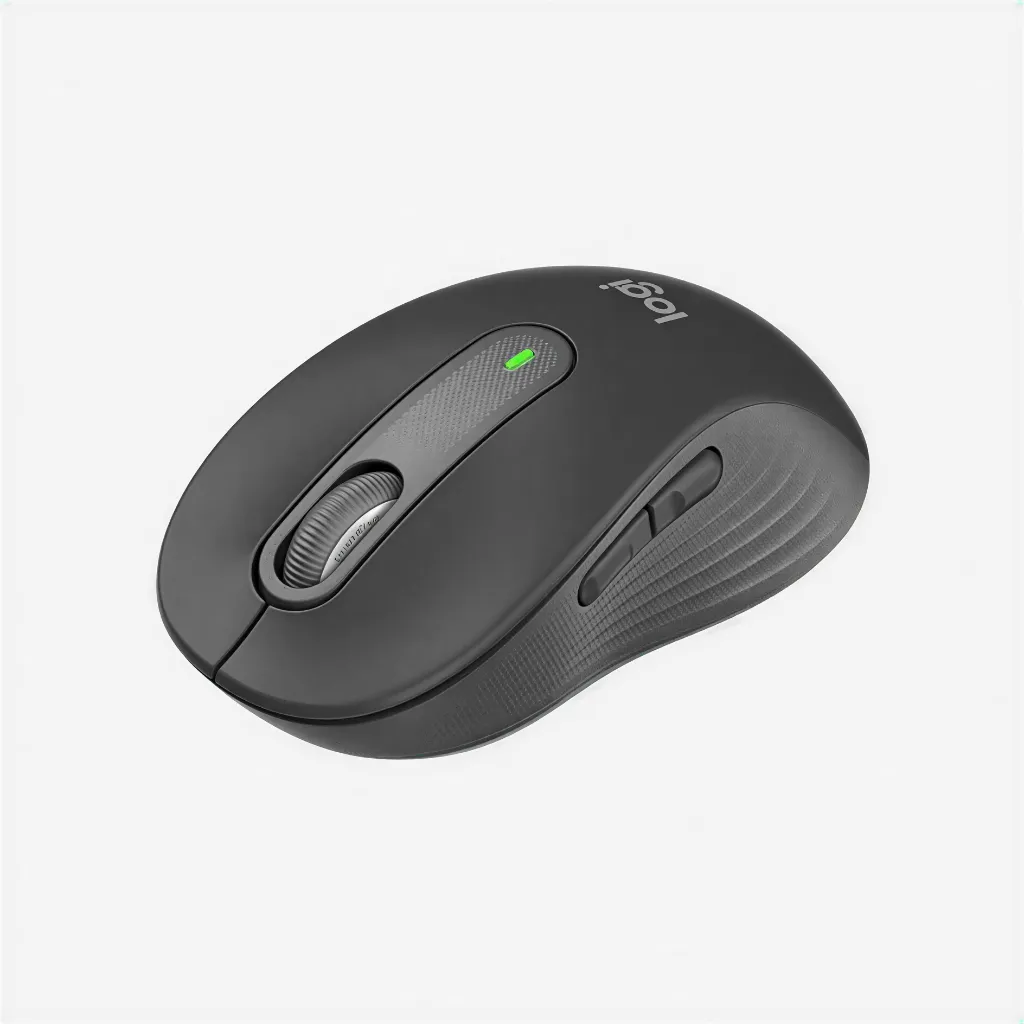
Make scrolling work for you with Logitech SmartWheel. Get line-by-line precision when you need to focus on the details, and scroll super fast when you just want to breeze through lengthy pages. Automatically switch modes with the flick of your finger.

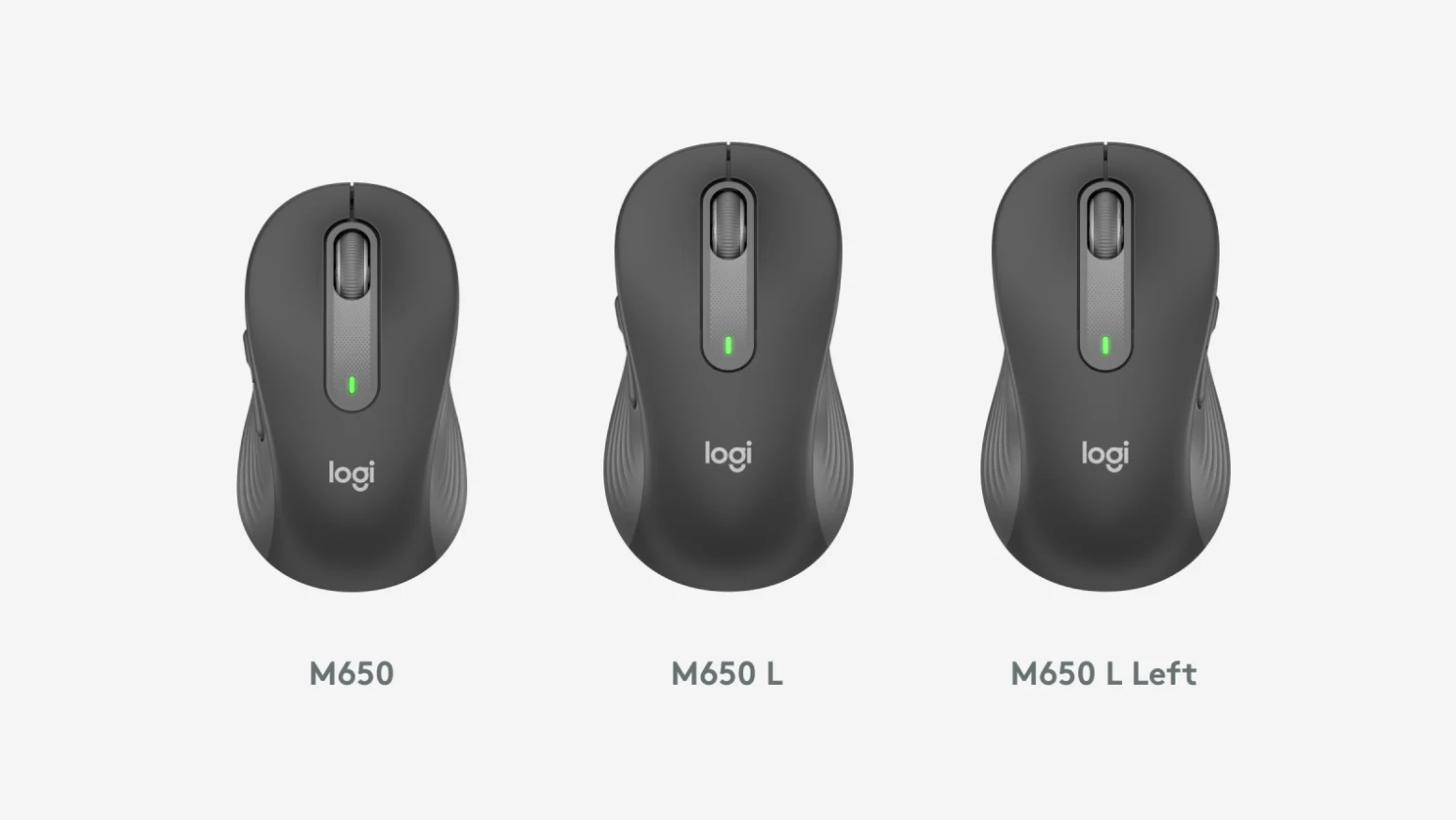
The perfect fit for your hand
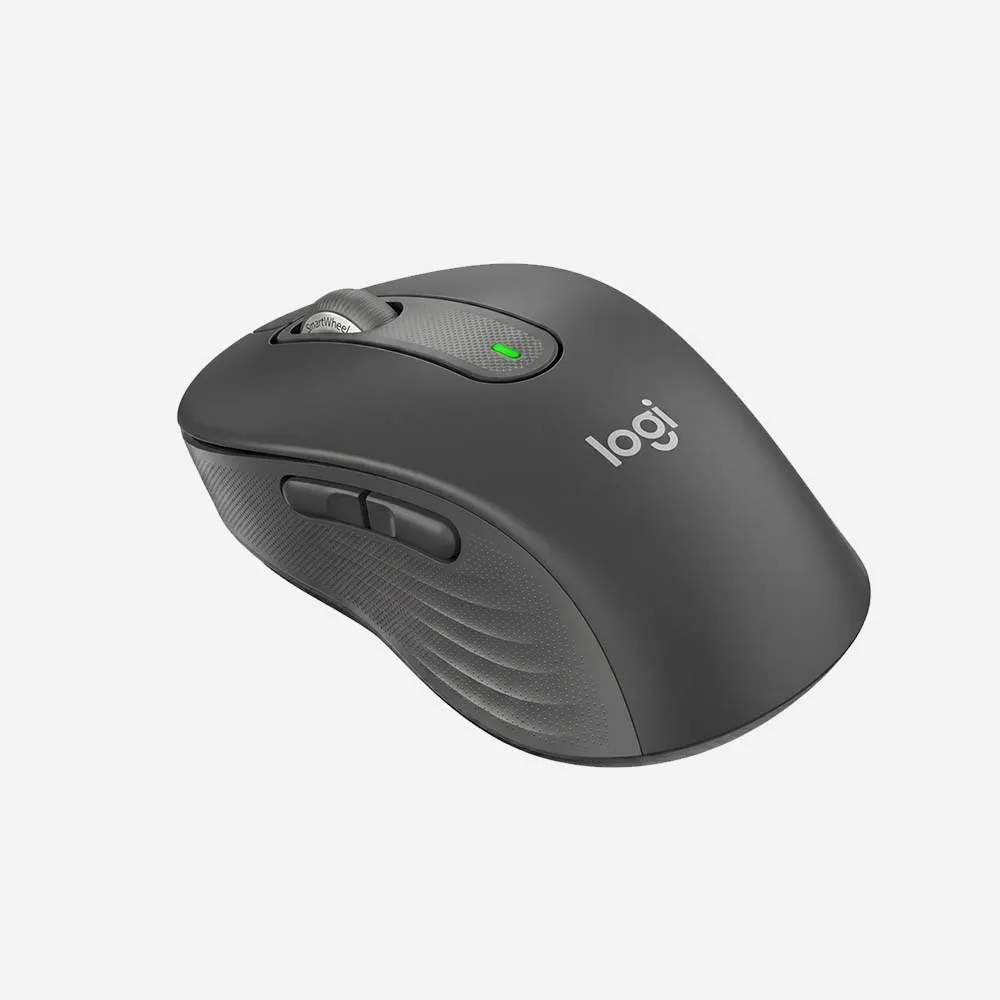
Choose the Signature M650 that fits you best. We recommend the M650 for small-to-medium hands, M650 L for large-sized hands, and M650 L Left for left-handed users. Unsure which mouse is right for you? Check out our sizing guide below.

Comfort, upgraded
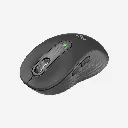
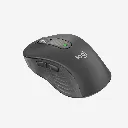
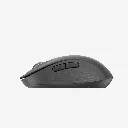
You’ll enjoy working with your Signature M650. Each mouse features a contoured shape, soft thumb area, and rubber side grips that keep your hand snug and in place. Get more comfort and focus more on what you need to get done.
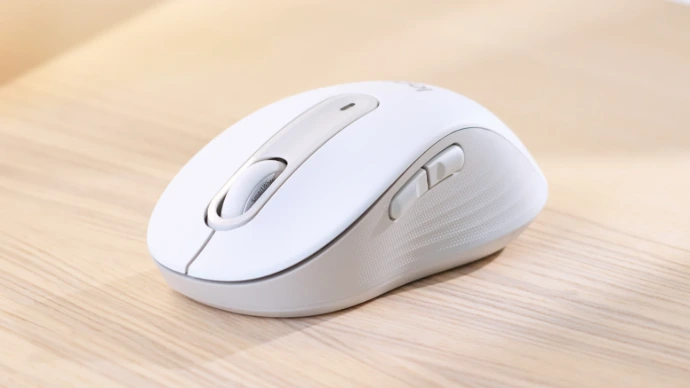
Scrolls smarter. Fits better.
Signature M650
Specifications
Sensor technology
- Sensor technology: Logitech Advanced Optical Tracking
- Nominal value: 400 DPI
- Max value: Up to 4000
- ButtonsNumber of Buttons : 5 (Left/Right-click, Back/Forward, Scroll-wheel with middle click)
- Customization appSupported by Logi Options+ on Windows and macOS
Battery
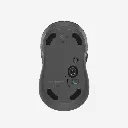
- Battery type: 1 x AA battery (included)
- Battery life with Logi Bolt USB Receiver: up to 24-months
- Battery life with Bluetooth: up to 20- months
Connection Type: Logi Bolt USB Receiver
- Bluetooth Low Energy Technology
- Wireless range: 33-ft (10 m) wireless range
FAQs
1. What is the Logitech Signature M650 Wireless Mouse?
The Logitech Signature M650 is a comfortable wireless mouse designed for everyday productivity, featuring SilentTouch technology, customizable side buttons, and smooth scrolling.
2. How does the Signature M650 connect to devices?
The mouse supports both Bluetooth® Low Energy and the included Logi Bolt USB receiver, providing flexible wireless connectivity options.
3. Is the Signature M650 compatible with Windows and Mac?
Yes. It works with Windows, macOS, Linux, ChromeOS, iPadOS, and Android devices.
4. Does the Signature M650 have silent clicks?
Yes. Logitech's SilentTouch technology reduces click noise significantly while maintaining a satisfying click feel.
5. What is SmartWheel scrolling?
SmartWheel scrolling automatically switches between precise line-by-line scrolling and fast scrolling, making it easier to navigate long documents and web pages.
6. Are the side buttons customizable?
Yes. Using Logi Options+ software, you can customize the side buttons and assign shortcuts for improved productivity.
7. Is the Signature M650 available in different sizes?
Yes. Logitech offers the Signature M650 in multiple sizes, including versions designed for larger hands and left-handed users in selected regions.
8. What type of battery does the Signature M650 use?
The mouse operates on a single AA battery that comes included in the package.
9. How long does the battery last?
Battery life can last up to 24 months, depending on usage and computing conditions.
10. Can I use the Signature M650 with a laptop?
Yes. Its compact wireless design makes it an excellent companion for laptops and mobile workstations.
11. Does the mouse work on different surfaces?
Yes. The optical sensor provides accurate tracking on most common desk and workspace surfaces.
12. Is the Signature M650 suitable for office work?
Absolutely. Its ergonomic design, quiet clicks, SmartWheel scrolling, and customizable buttons make it ideal for office and home productivity.
13. Does the mouse require software to function?
No. The mouse works immediately after connecting. However, installing Logi Options+ software unlocks advanced customization features.
14. Is the Signature M650 comfortable for extended use?
Yes. The contoured shape, soft thumb area, and rubber side grips are designed to provide comfort during long work sessions.
15. Who is the Logitech Signature M650 best suited for?
The Signature M650 is ideal for professionals, students, remote workers, and everyday users looking for a reliable, comfortable, and quiet wireless mouse.