Overview
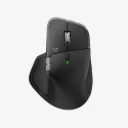
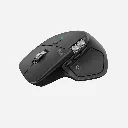
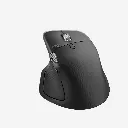
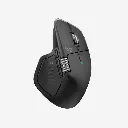
Our most advanced wireless mouse, supercharged
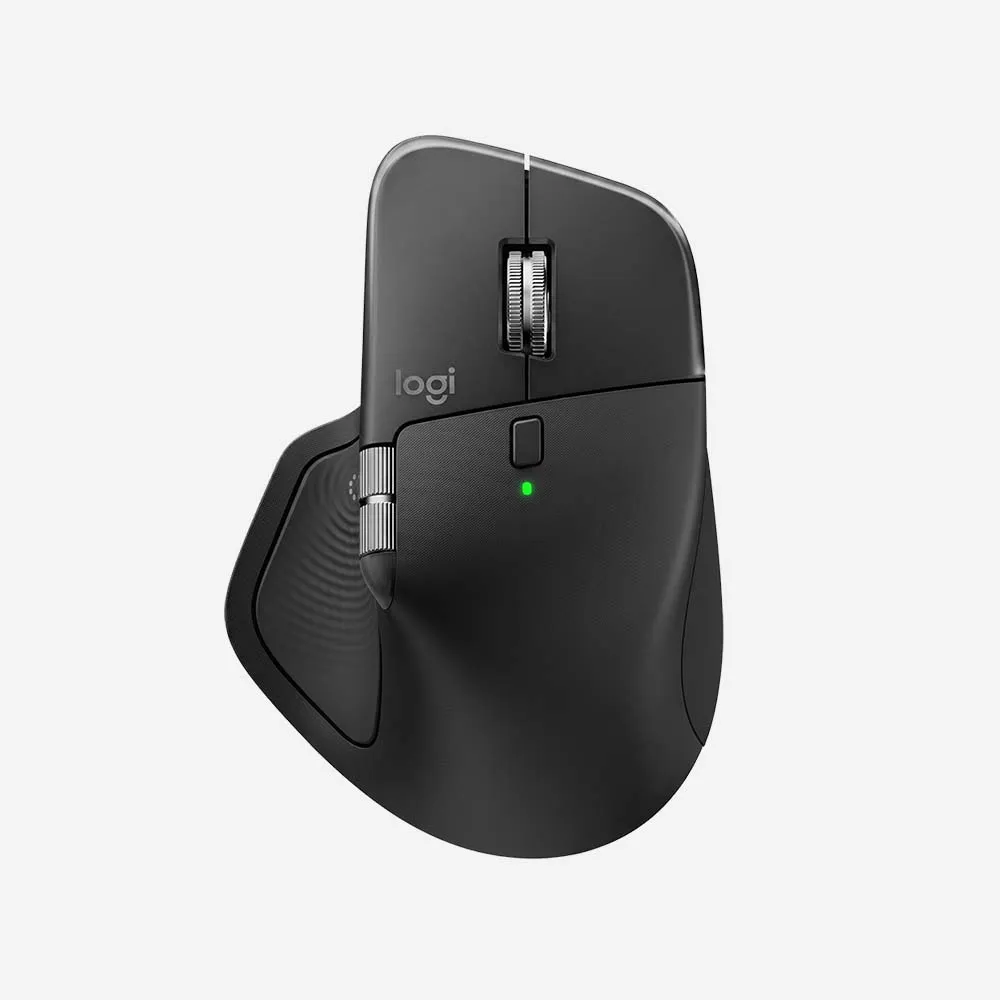
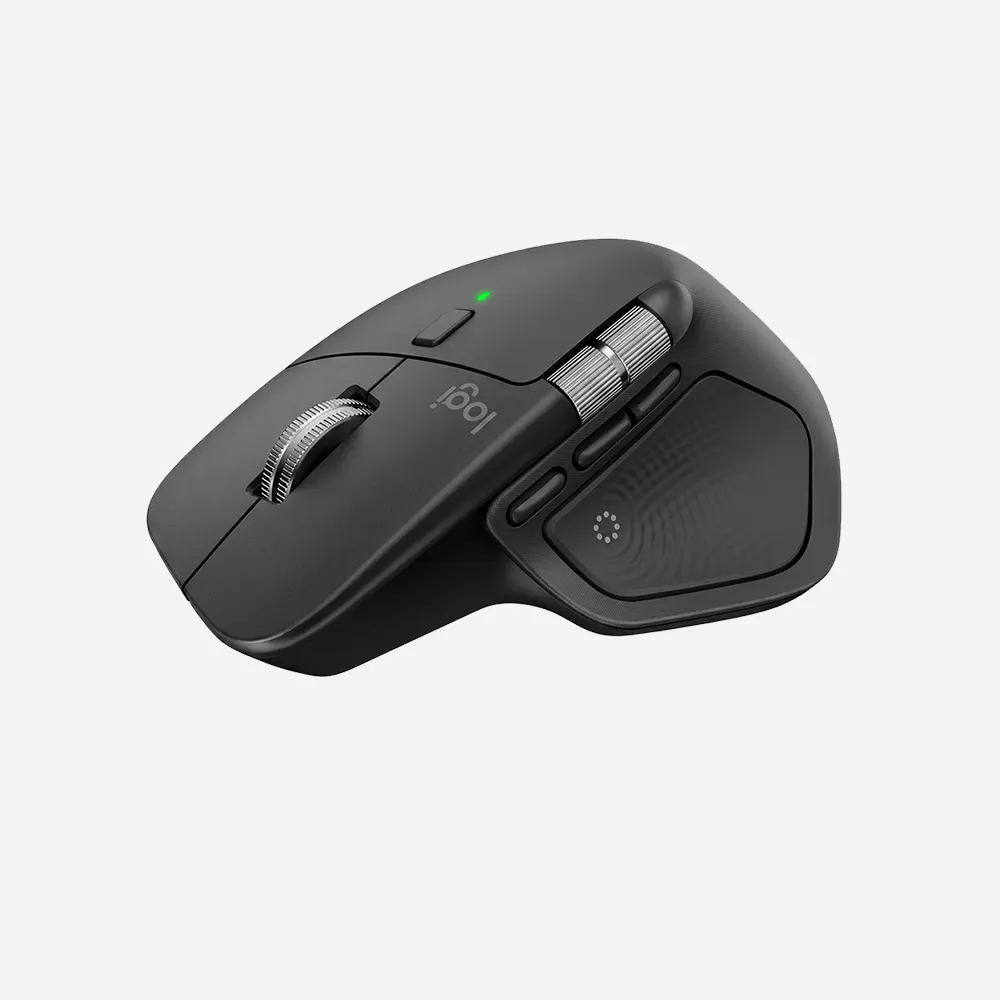
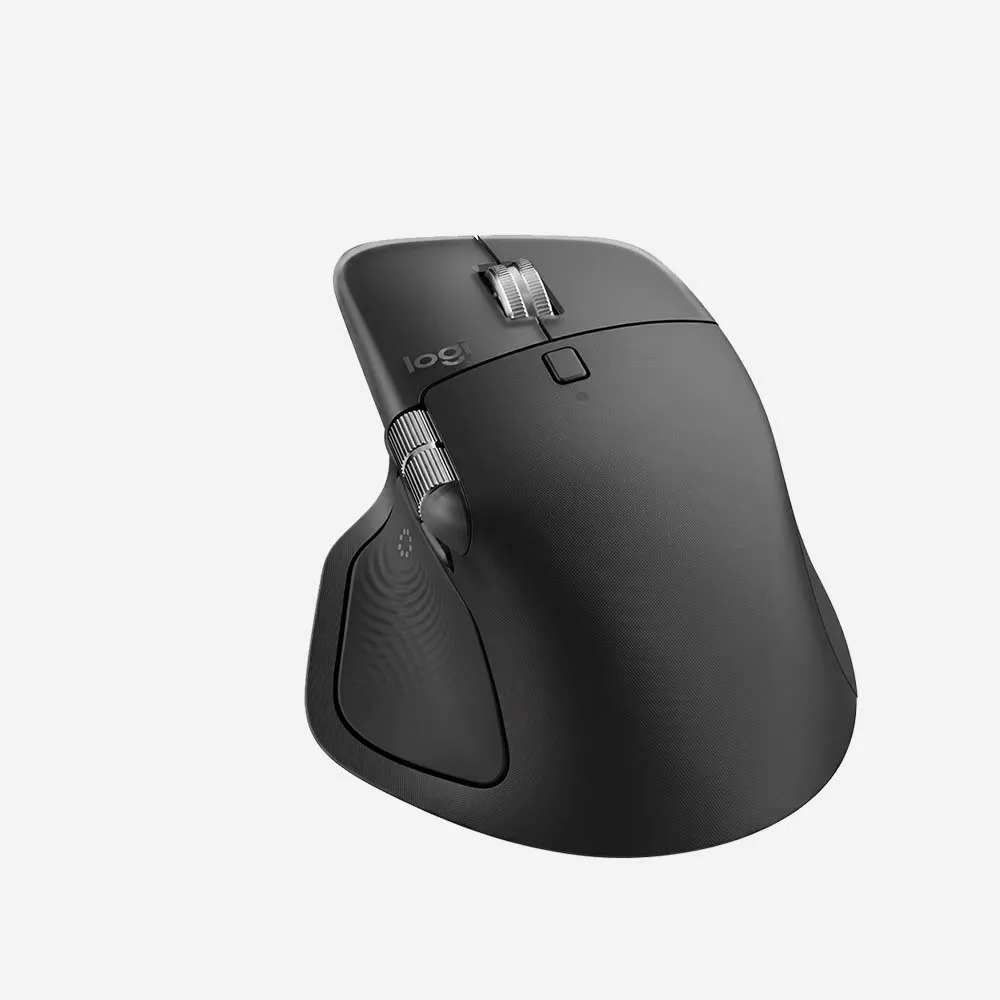
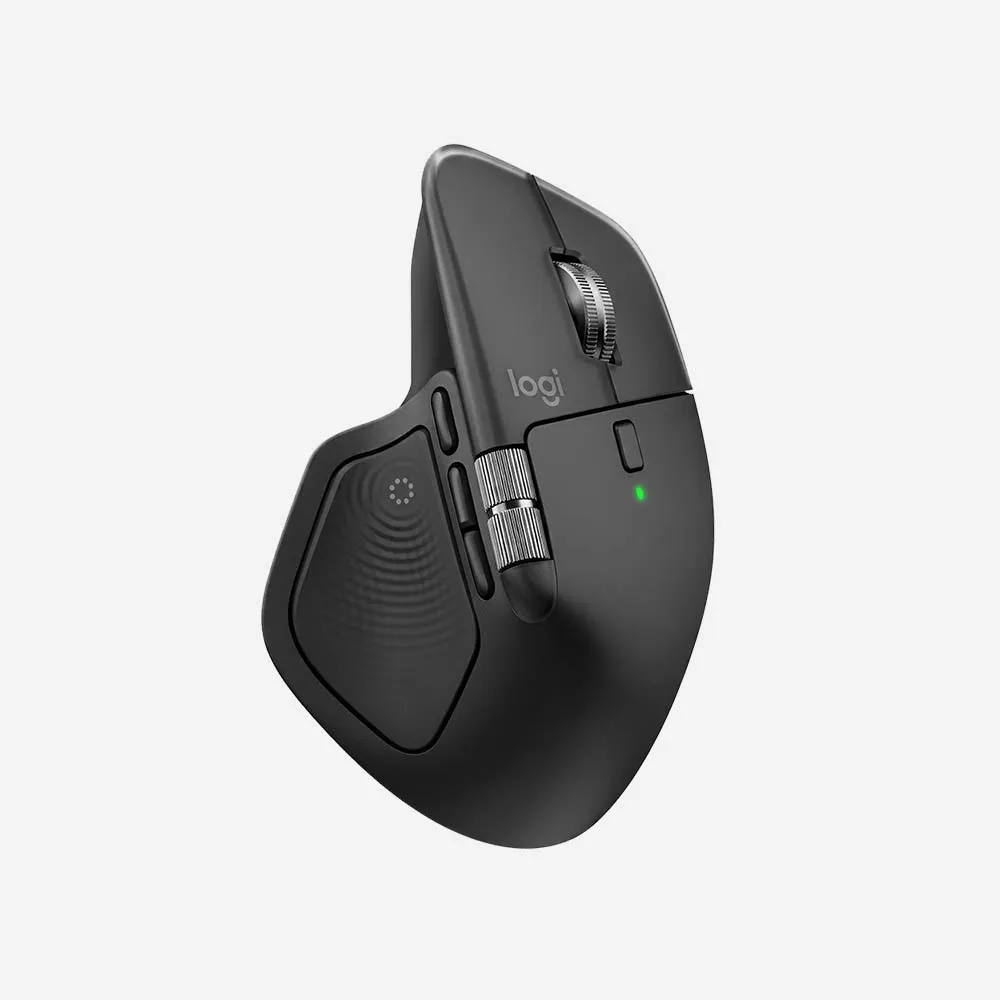
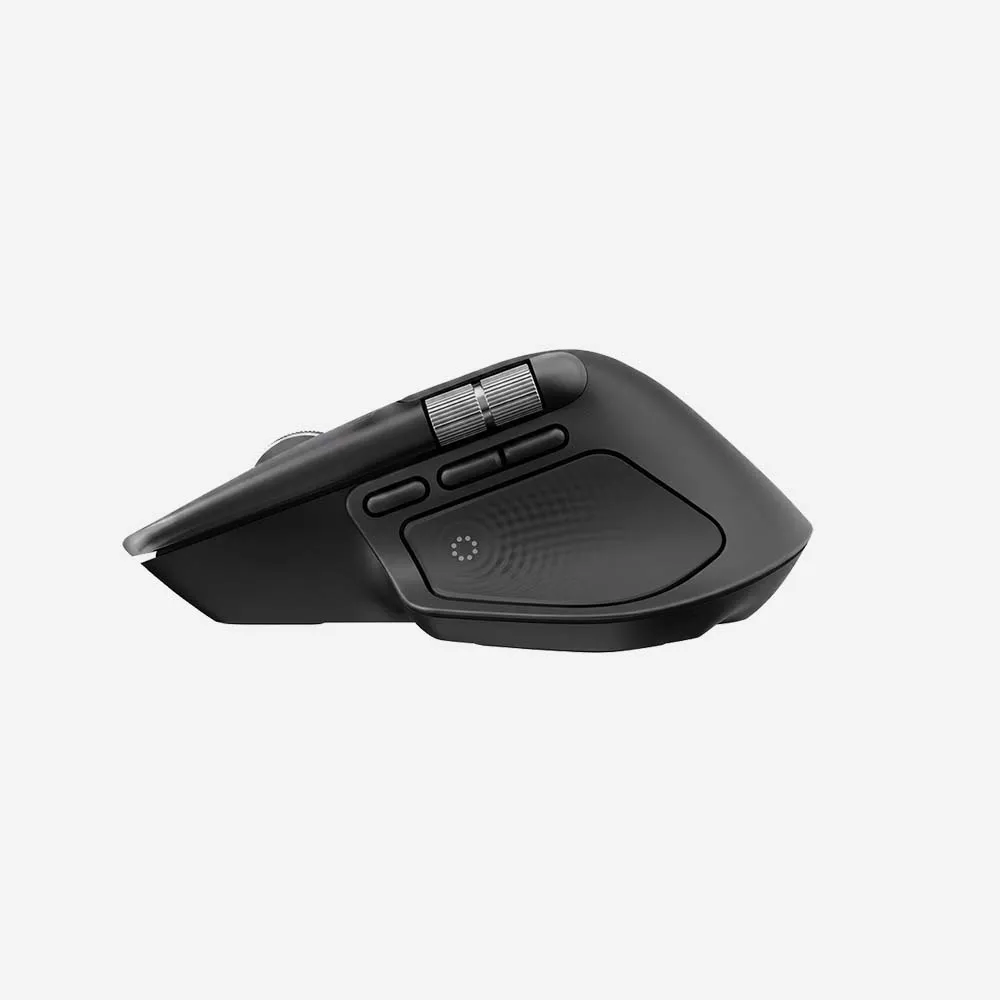
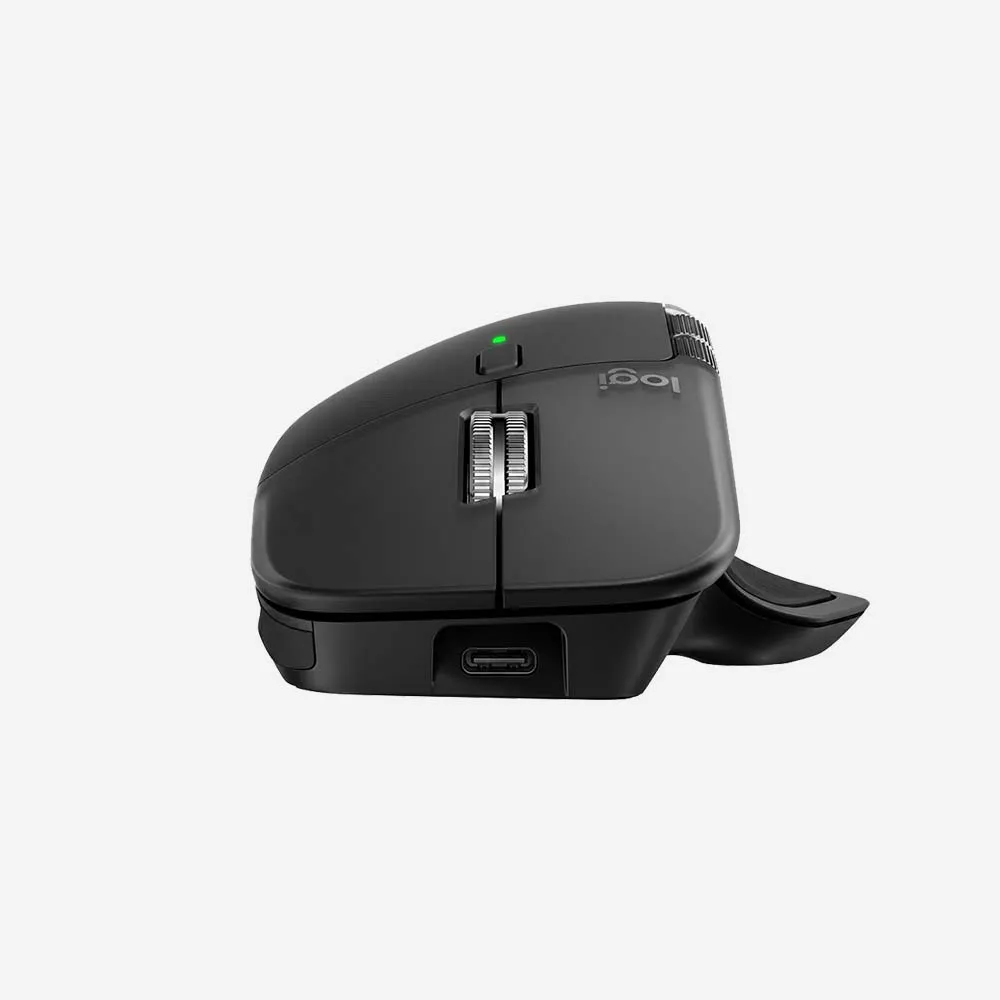
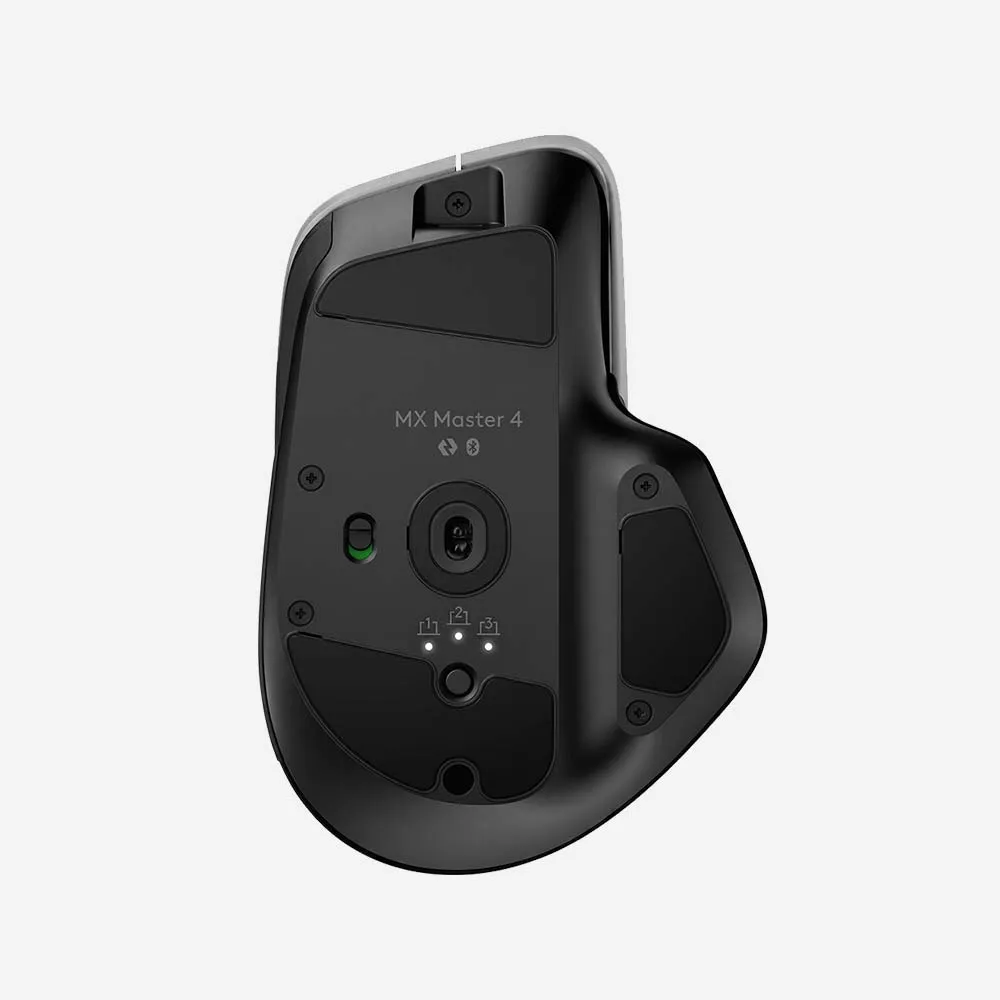
MX Master 4 is a high-performance mouse with haptic feedback, designed for an immersive and precise workflow you can feel. Save up to 33% of your time* with Actions Ring shortcuts, accessing tools and actions directly at your cursor.
Specifications
Sensor & Tracking
- Sensor Technology: Darkfield high precision
- Nominal value: 1000
- DPI (Minimal and maximal value): 200-8000 (can be set in increments of 50 DPI
Buttons
- Number of Buttons: 8
- Gesture button: Yes
Scroll Types
- Scroll Wheel: Yes, MagSpeed wheel with smart shift
- Horizontal scroll: Yes
- Thumb wheel: Yes, same as horizontal scroll
Features
- Customization app: Yes, Options + and basic support in Tune
- Haptic feedback is supported for key Options+ features like Actions Ring, Smart Actions, Gestures and for the following plugins:: Adobe Photoshop, Adobe Lightroom Desktop, Zoom. Coming in October: Adobe Premiere Pro.
Battery
- Battery type: Rechargeable 650 mAh
- Battery life: 70 days
Connectivity
- Connection Type: Wireless
- Wireless technology: Bluetooth Low Energy
- Wireless range: 33-ft (10 m)
- Bluetooth Low Energy (BLE): 5.1
FAQs
1. What is the Logitech MX Master 4 Wireless Mouse?
The Logitech MX Master 4 is a premium wireless productivity mouse designed for professionals, creators, and power users who need advanced customization, precision tracking, and multi-device control.
2. How does the MX Master 4 connect to devices?
The mouse supports Bluetooth® Low Energy and the Logi Bolt USB receiver, providing secure and reliable wireless connectivity.
3. Can the MX Master 4 connect to multiple devices?
Yes. It can pair with up to three devices simultaneously and allows quick switching between them using the Easy-Switch button.
4. Is the MX Master 4 compatible with Windows and macOS?
Yes. The mouse is compatible with Windows, macOS, Linux, ChromeOS, and iPadOS.
5. What makes the MX Master 4 different from standard wireless mice?
The MX Master 4 offers advanced ergonomic comfort, customizable buttons, precision tracking, electromagnetic scrolling, and seamless multi-device workflow features.
6. Does the MX Master 4 support Logitech Flow?
Yes. Logitech Flow allows you to work across multiple computers, transfer files, and copy and paste content between supported devices.
7. What type of sensor does the MX Master 4 use?
The mouse features a high-precision Darkfield sensor that tracks accurately on virtually any surface, including glass.
8. Can I customize the buttons and gestures?
Yes. Using Logi Options+ software, you can customize buttons, gesture controls, scrolling behavior, and application-specific shortcuts.
9. Does the MX Master 4 have a rechargeable battery?
Yes. The mouse includes a built-in rechargeable battery that can be charged using a USB-C cable.
10. How long does the battery last?
Battery life can last for several weeks on a full charge, depending on usage. A quick charge provides hours of use in just a few minutes.
11. What is MagSpeed scrolling?
MagSpeed scrolling uses an electromagnetic wheel that delivers precise line-by-line control as well as ultra-fast scrolling through long documents and spreadsheets.
12. Is the MX Master 4 comfortable for extended use?
Yes. The ergonomic shape is designed to support the hand naturally, reducing fatigue during long work sessions.
13. Is the MX Master 4 suitable for creative professionals?
Absolutely. Its customizable controls, precision tracking, horizontal scrolling wheel, and workflow enhancements make it ideal for designers, editors, developers, and content creators.
14. Can the MX Master 4 be used while charging?
Yes. The mouse remains fully functional while connected to its charging cable.
15. Who is the Logitech MX Master 4 best suited for?
The MX Master 4 is ideal for professionals, multitaskers, content creators, programmers, and business users looking for a premium mouse with advanced productivity features.