
Overview
Silent, comfortable, and easy
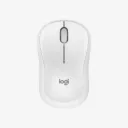
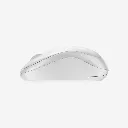
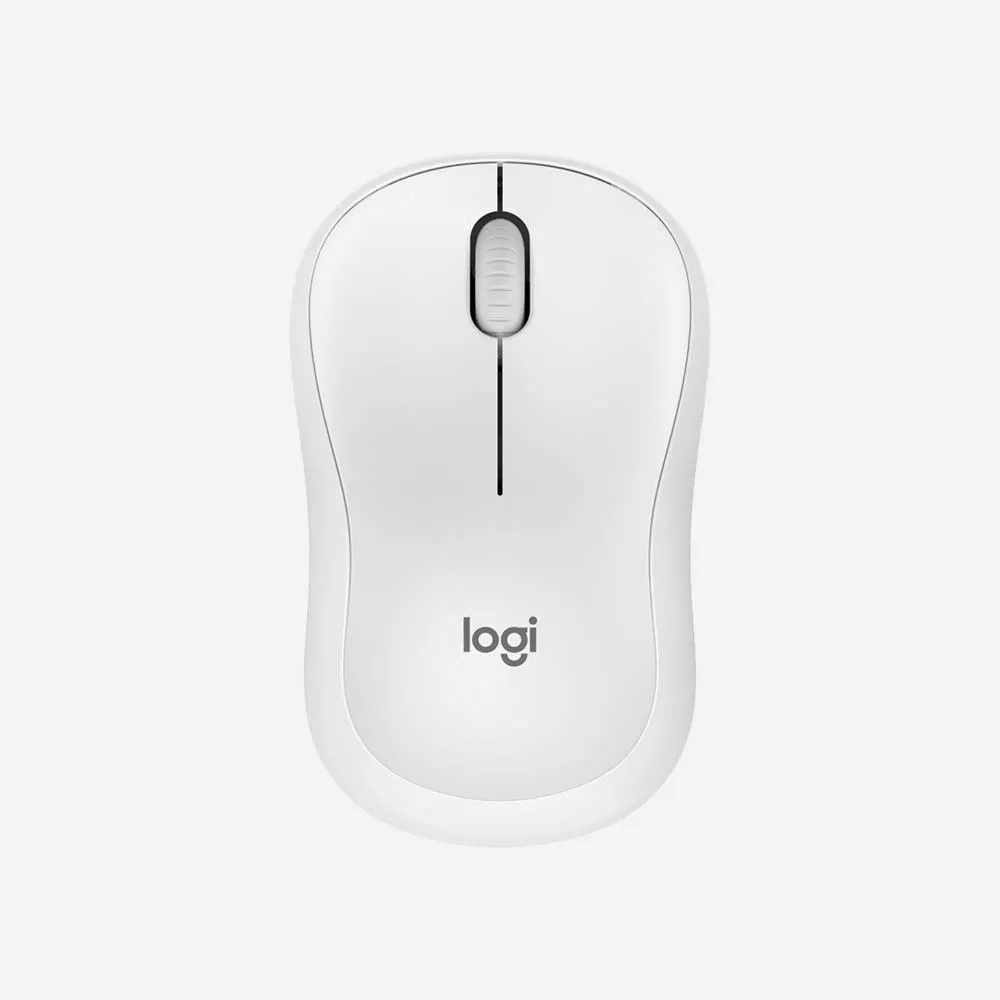
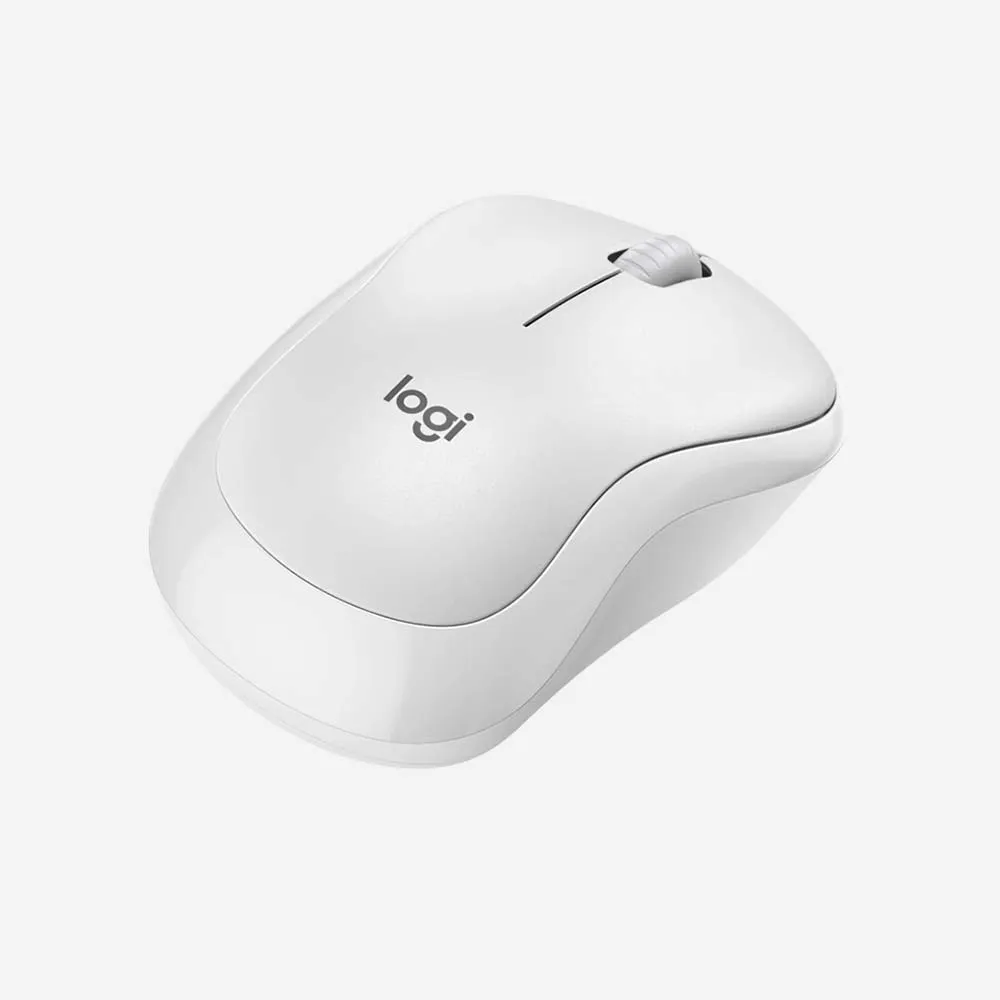
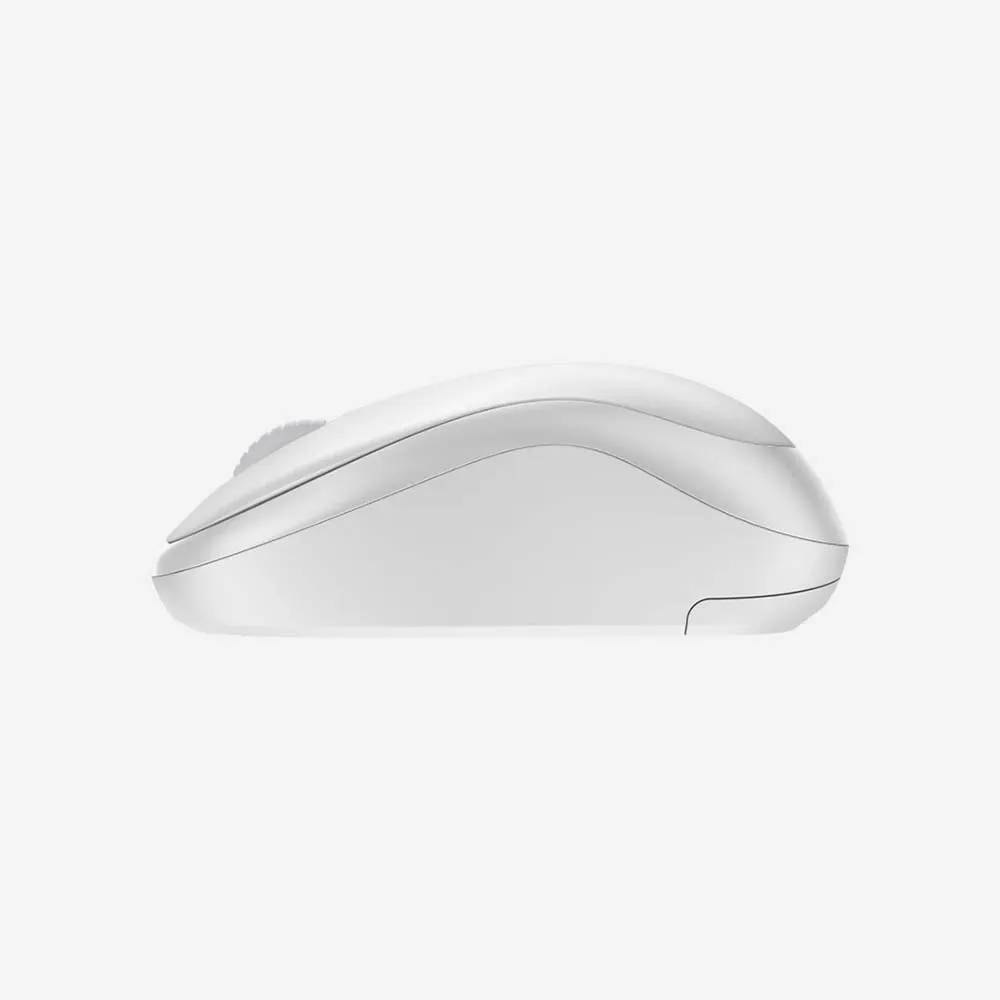
Meet M240 Silent, the reliable Bluetooth® mouse that frees up your workspace, connects in seconds, and delivers ultra-quiet productivity that lasts. A sculpted, contoured shape and 18 months of battery life lets you focus on what you do best.

Specifications
Sensor & Tracking
- Sensor Technology: Smooth optical tracking
- Nominal value: 1000 DPI
- DPI (Minimal and maximal value): 400-4000, Steps of 100 DPI
- SilentTouch Technology: 90% noise reduced Left/Right-click, Middle click*. (*Left click dBA level measured by independent lab at 1m. Compared with Logitech M185.)
Buttons
- Number of Buttons: 3 (Left/Right-click, Middle click)
Scroll Types
- Scroll Wheel: Yes, 2D, mechanical
- Line-by-line scrolling
Features
- Customization app: Supported by Logi Options+ on Windows and macOS*. (*Available on Windows and macOS at logitech.com/optionsplus)
Battery
- Battery type: 1 x AA (included)
- Battery life: 18 months*. (*Battery life may vary based on user and computing conditions.)
Connectivity
- Connection Type: Bluetooth Low Energy Technology
- Wireless range: 33 ft (10 m)*. (*Wireless range may vary based on user, environmental and computing conditions.)
- Connect / Power: Yes, on/off switch
FAQs
1. What is the Logitech M240 Silent Bluetooth Mouse?
The Logitech M240 is a compact wireless mouse that connects via Bluetooth and features Silent Touch technology for quieter clicking, making it ideal for work, study, and everyday use.
2. How does the M240 connect to devices?
The mouse connects directly through Bluetooth®, eliminating the need for a USB receiver or dongle.
3. Is the Logitech M240 compatible with Windows and Mac?
Yes. The M240 works with Windows, macOS, ChromeOS, Linux, iPadOS, and Android devices that support Bluetooth connectivity.
4. Does the M240 have silent clicks?
Yes. Silent Touch technology significantly reduces click noise while maintaining the same responsive click feel.
5. Is the M240 easy to carry?
Yes. Its lightweight and compact design makes it convenient for travel, commuting, and mobile work setups.
6. Does the M240 require a USB receiver?
No. The mouse uses Bluetooth technology and does not require a separate USB receiver.
7. What type of battery does the M240 use?
The Logitech M240 operates on a single AA battery, which is included in the package.
8. How long does the battery last?
The battery can last up to 18 months, depending on usage patterns and operating conditions.
9. Is the M240 suitable for both right-handed and left-handed users?
Yes. The symmetrical design makes it comfortable for both left-handed and right-handed users.
10. Does the M240 work with laptops and tablets?
Yes. It can connect to compatible laptops, tablets, and other Bluetooth-enabled devices.
11. Does the mouse support customizable buttons?
The M240 is designed for simplicity and ease of use and does not offer extensive button customization features.
12. Is the M240 good for office and remote work?
Yes. Its quiet operation, wireless convenience, and portable design make it an excellent choice for office, home, and remote work environments.
13. What tracking technology does the M240 use?
The mouse uses Logitech optical tracking technology for smooth and accurate cursor control on most common surfaces.
14. Is the M240 suitable for students?
Yes. Its affordable design, quiet clicks, and easy Bluetooth connectivity make it a practical option for students and everyday users.
15. Why choose the Logitech M240 Silent Bluetooth Mouse?
The M240 offers reliable Bluetooth connectivity, quiet operation, long battery life, and a compact design, making it a great choice for users seeking a simple and dependable wireless mouse.