Overview
An icon. Remastered.
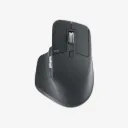
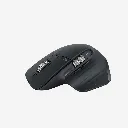
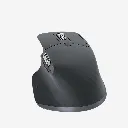
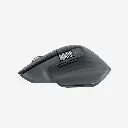
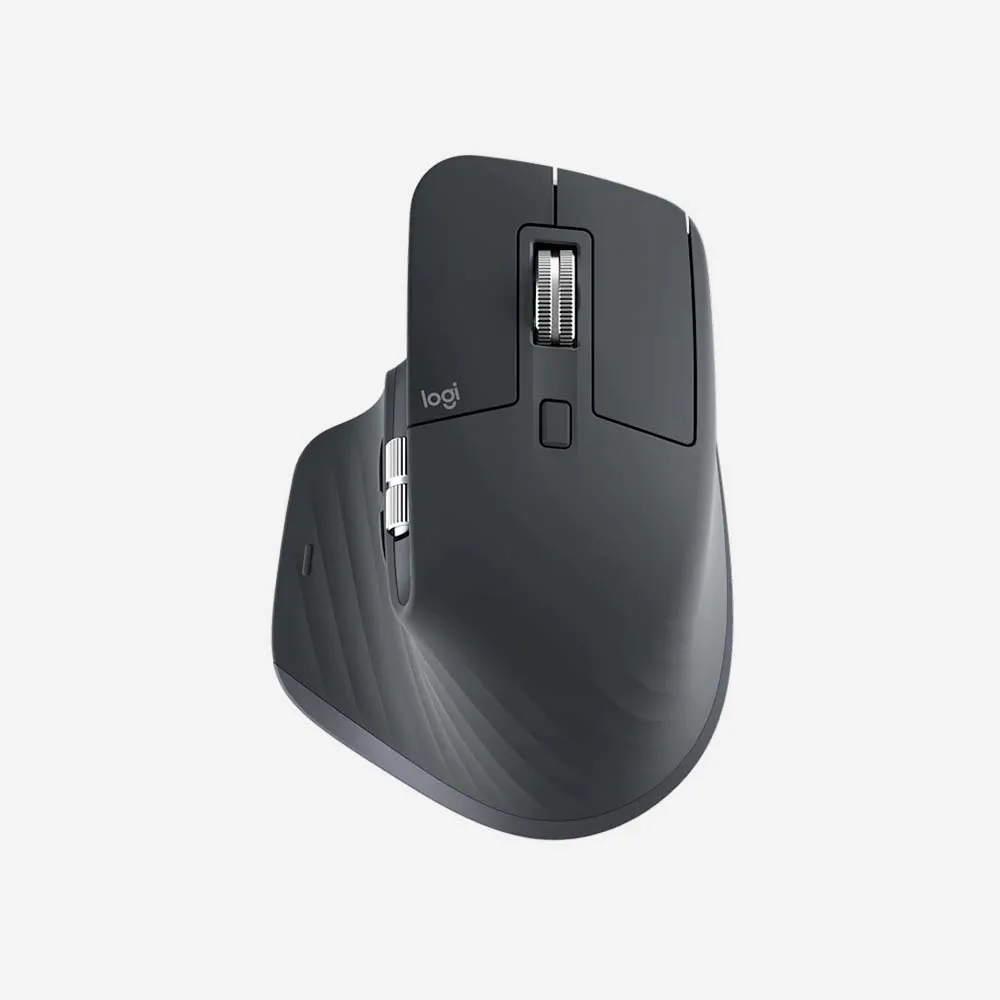
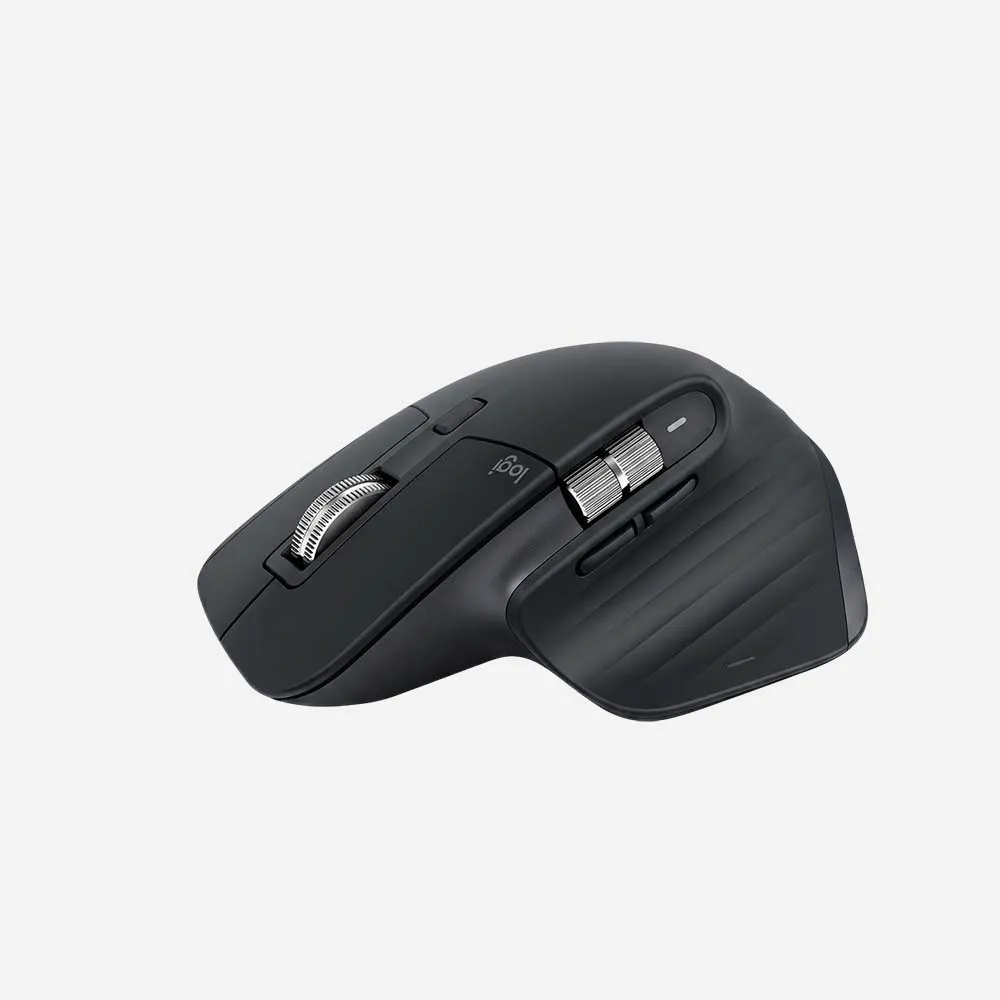
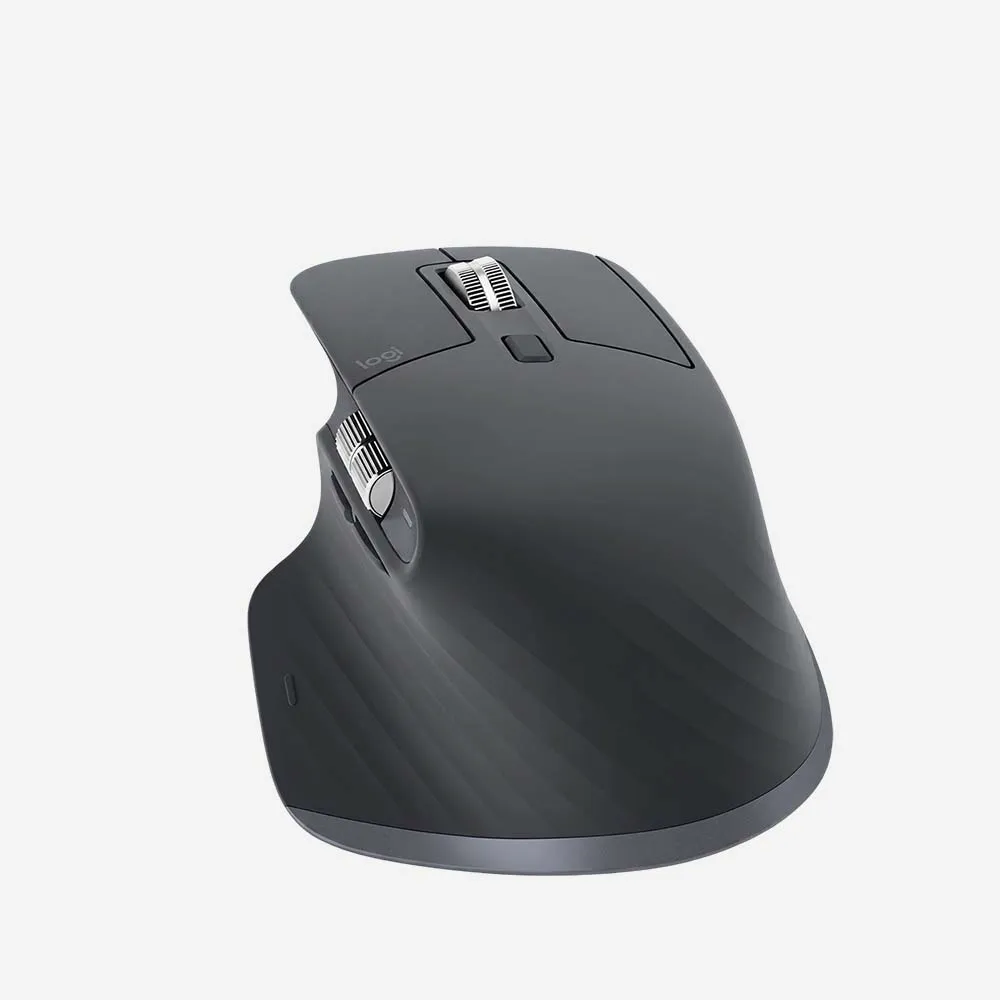
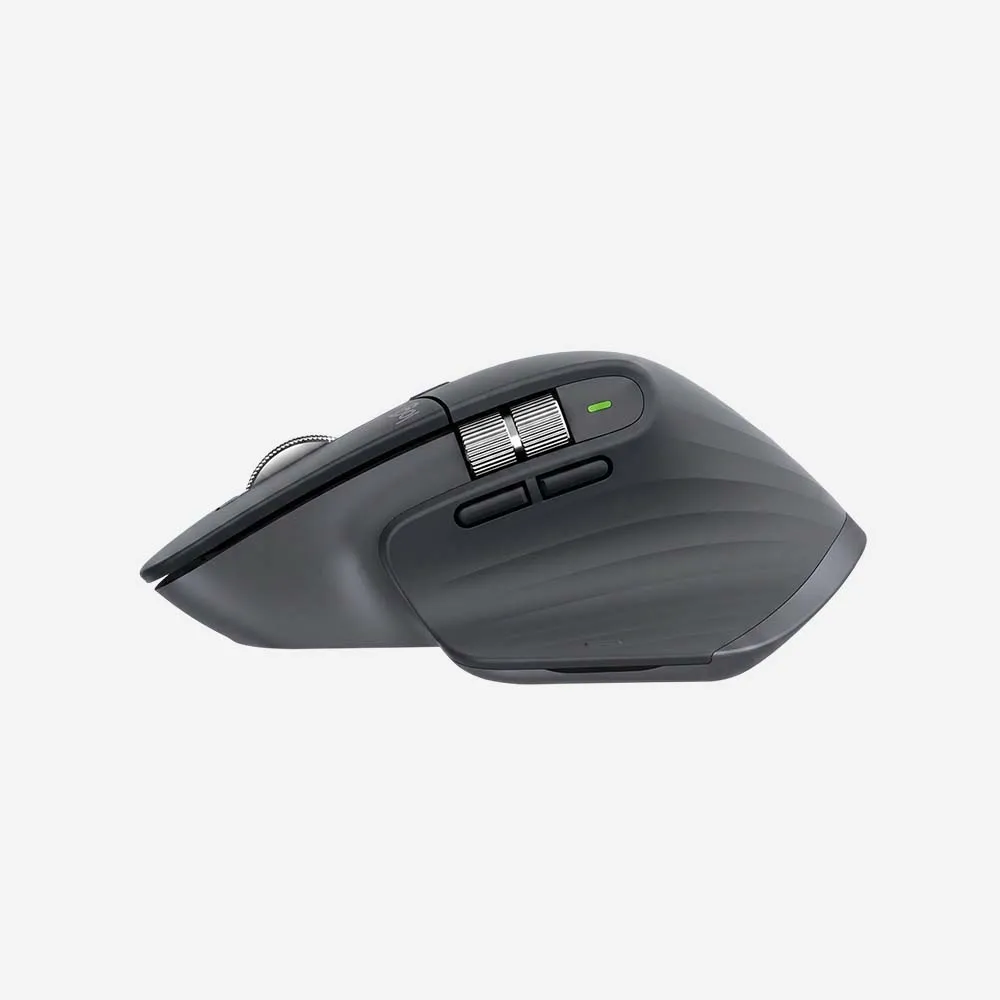
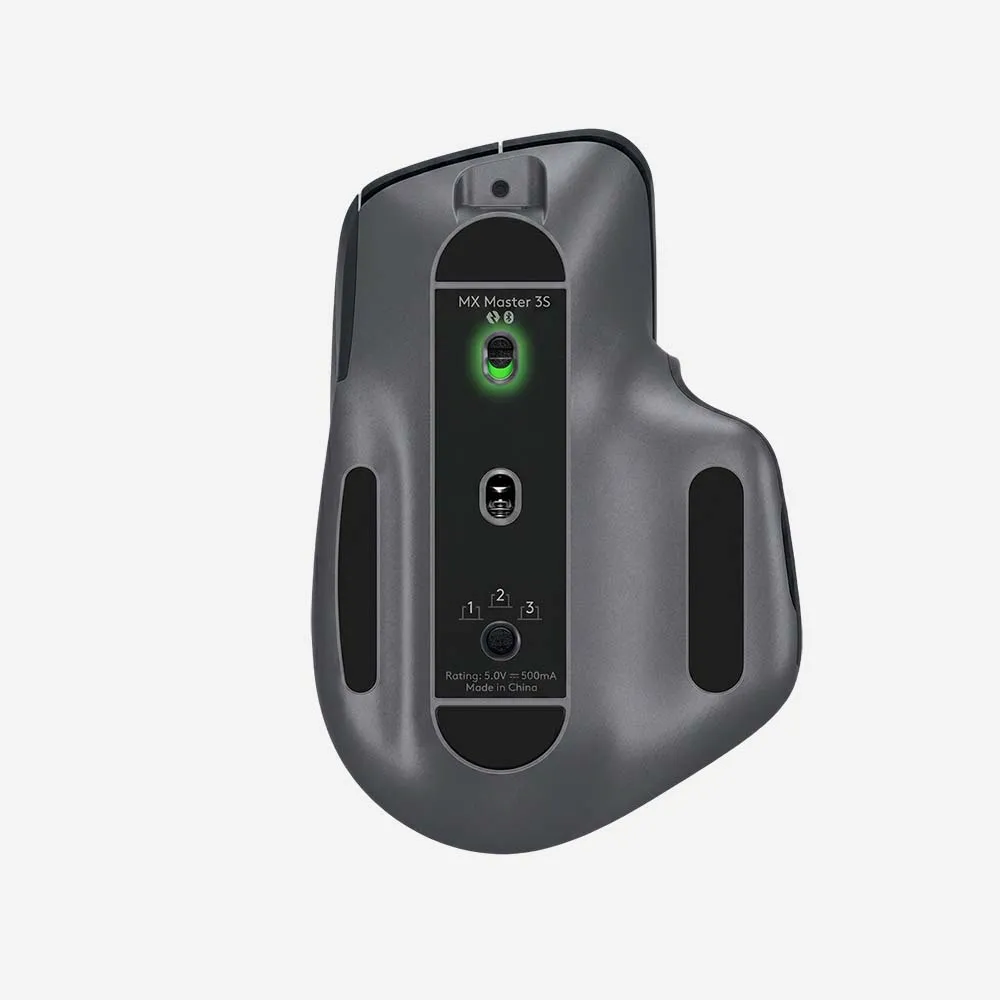
Meet MX Master 3S – an iconic mouse remastered. Feel every moment of your workflow with even more precision, tactility, and performance, thanks to Quiet Clicks and an 8,000 DPI track-on-glass* sensor.
Specifications
Sensor & Tracking
- Sensor Technology: Darkfield high precision
- Nominal value: 1000 DPI
- DPI (Minimal and maximal value): 200-8000 DPI (can be set in increments of 50 DPI)
Buttons
- Number of Buttons: 7 buttons (Left/Right-click, Back/Forward, App-Switch, Wheel mode-shift, Middle click)
- Gesture button: Yes
Scroll Types
- Scroll Wheel: Yes, with smart-shift
- Thumb wheel: Yes
Features
- Customization app: Supported by Logi Options+ on Windows and macOS*. (*Available on Windows and macOS at logitech.com/optionsplus)
Battery
- Battery type: Rechargeable Li-Po (500 mAh) battery
- Battery life: Get three hours of use from a one-minute quick charge.* (*Battery life may vary based on user and computing conditions.)
Connectivity
- Wireless technology: Bluetooth Low Energy Technology
- Wireless range: 32.8 ft (10 m)*. (*Wireless range may vary depending on operating environment and computer setup.)
FAQs
1. What is the Logitech MX Master 3S?
The Logitech MX Master 3S is a premium wireless productivity mouse designed for professionals, creators, programmers, and business users who need exceptional comfort, precision, and customization.
2. How does the MX Master 3S connect to devices?
The mouse connects via Bluetooth® Low Energy or the included Logi Bolt USB receiver for secure and reliable wireless performance.
3. Can the MX Master 3S connect to multiple devices?
Yes. It can pair with up to three devices simultaneously and switch between them using the Easy-Switch button.
4. Is the MX Master 3S compatible with Windows and Mac?
Yes. It is compatible with Windows, macOS, Linux, ChromeOS, iPadOS, and Android devices.
5. What sensor does the MX Master 3S use?
The MX Master 3S features an 8,000 DPI Darkfield sensor that provides highly accurate tracking on virtually any surface, including glass.
6. What is MagSpeed scrolling?
MagSpeed scrolling uses an electromagnetic scroll wheel that delivers precise line-by-line control and ultra-fast scrolling through thousands of lines per second.
7. Are the clicks quieter than previous MX Master models?
Yes. The MX Master 3S features Quiet Click technology, reducing click noise by approximately 90% while maintaining a satisfying tactile feel.
8. Does the MX Master 3S support Logitech Flow?
Yes. Logitech Flow allows you to control multiple computers and seamlessly transfer text, images, and files between compatible systems.
9. Can I customize the buttons and controls?
Yes. Using Logi Options+ software, you can customize buttons, gestures, scrolling behavior, and create application-specific shortcuts.
10. Does the MX Master 3S have a rechargeable battery?
Yes. It includes a built-in rechargeable battery that charges via USB-C.
11. How long does the battery last?
A full charge can provide up to 70 days of use, depending on usage conditions. A one-minute quick charge can provide approximately three hours of use.
12. Can the MX Master 3S be used while charging?
Yes. The mouse remains fully functional while connected to the USB-C charging cable.
13. Does the MX Master 3S have horizontal scrolling?
Yes. It includes a dedicated thumb wheel for horizontal scrolling, making it especially useful for spreadsheets, timelines, and creative applications.
14. Is the MX Master 3S suitable for professional work?
Absolutely. Its ergonomic design, precision sensor, customizable controls, and multi-device support make it one of the best productivity mice for professional users.
15. Who should buy the Logitech MX Master 3S?
The MX Master 3S is ideal for business professionals, programmers, designers, video editors, engineers, and multitaskers who want a premium wireless mouse with advanced productivity features.