Overview
LESS MOVEMENT, BETTER POSTURE
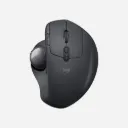
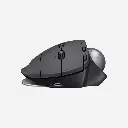
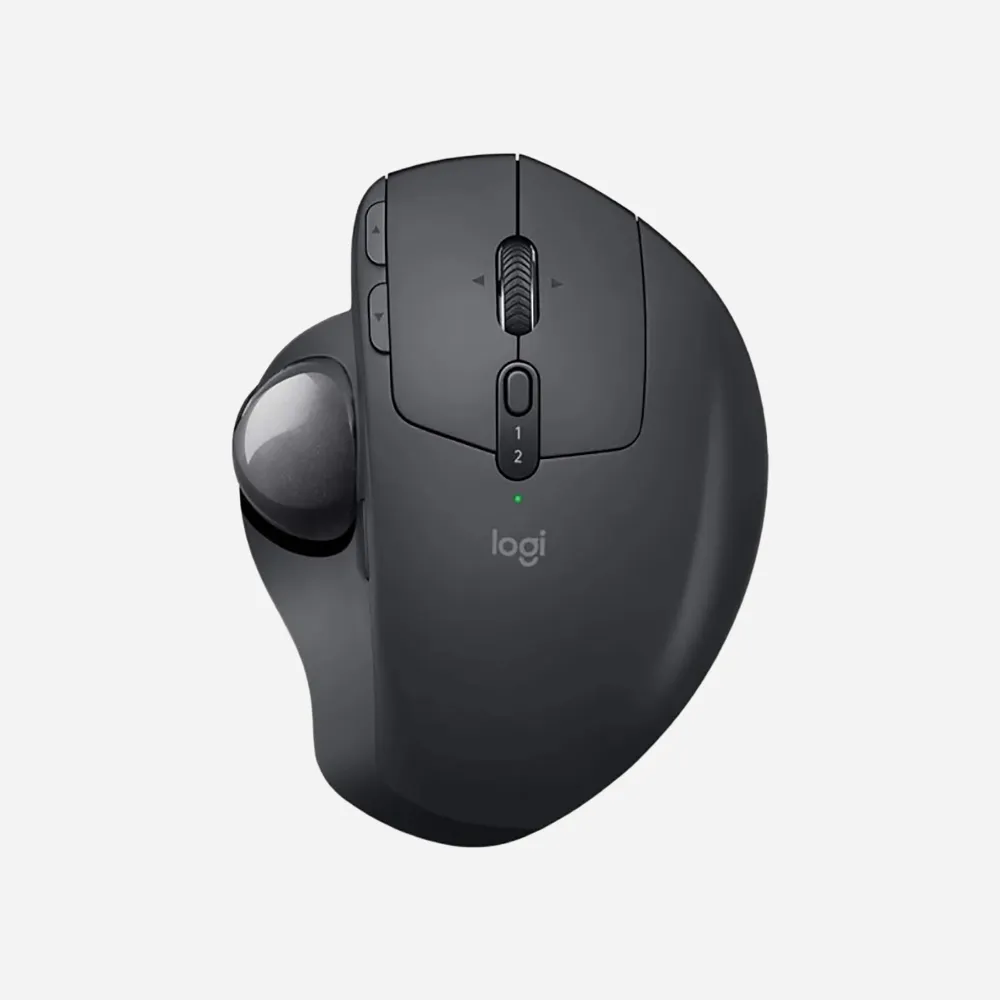
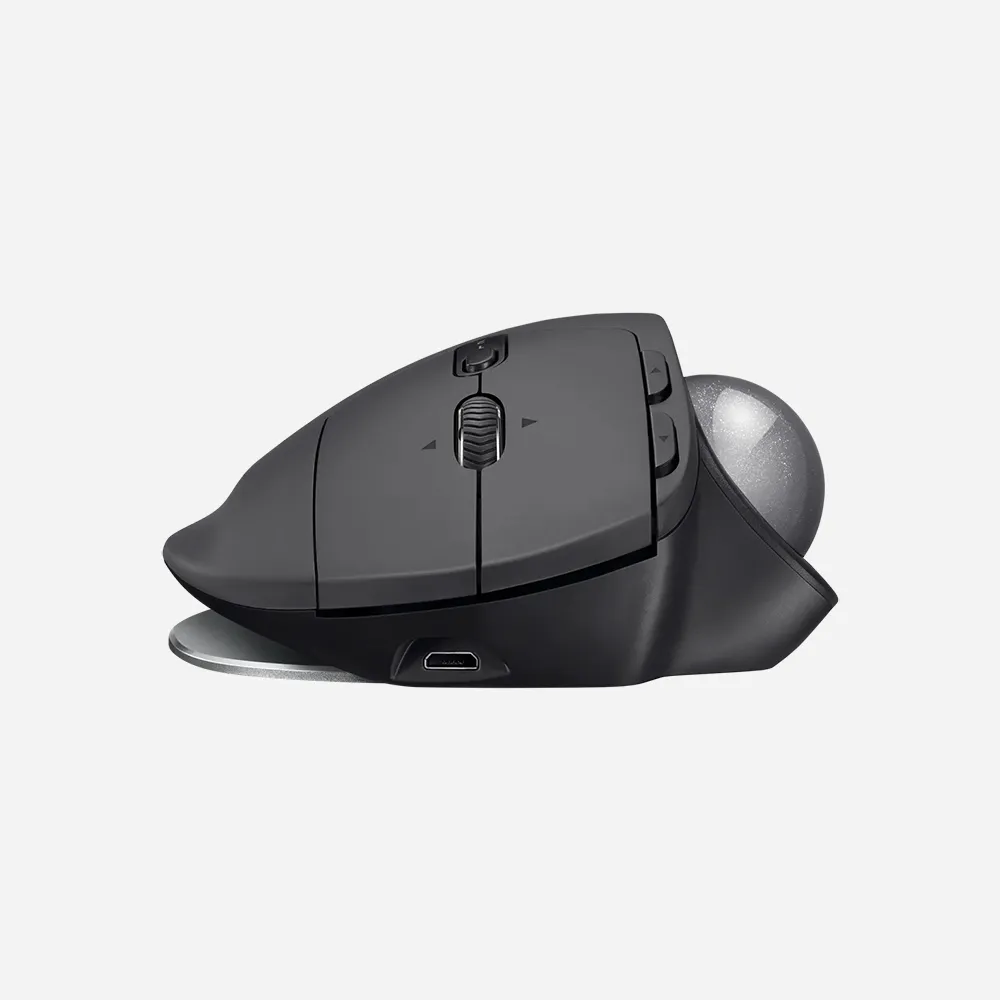
With no need to move the hand around to move the cursor, you can minimize movement and maximize performance. The trackball creates 20% less muscle fatigue in your hand, wrist, and forearm than a regular mouse. Plus, the unique adjustable tilt of MX ERGO lets you choose a 0 or 20° angle and instantly improve your wrist and forearm posture. Cruise through your workday with more comfort, ease, and focus on what needs to be done.
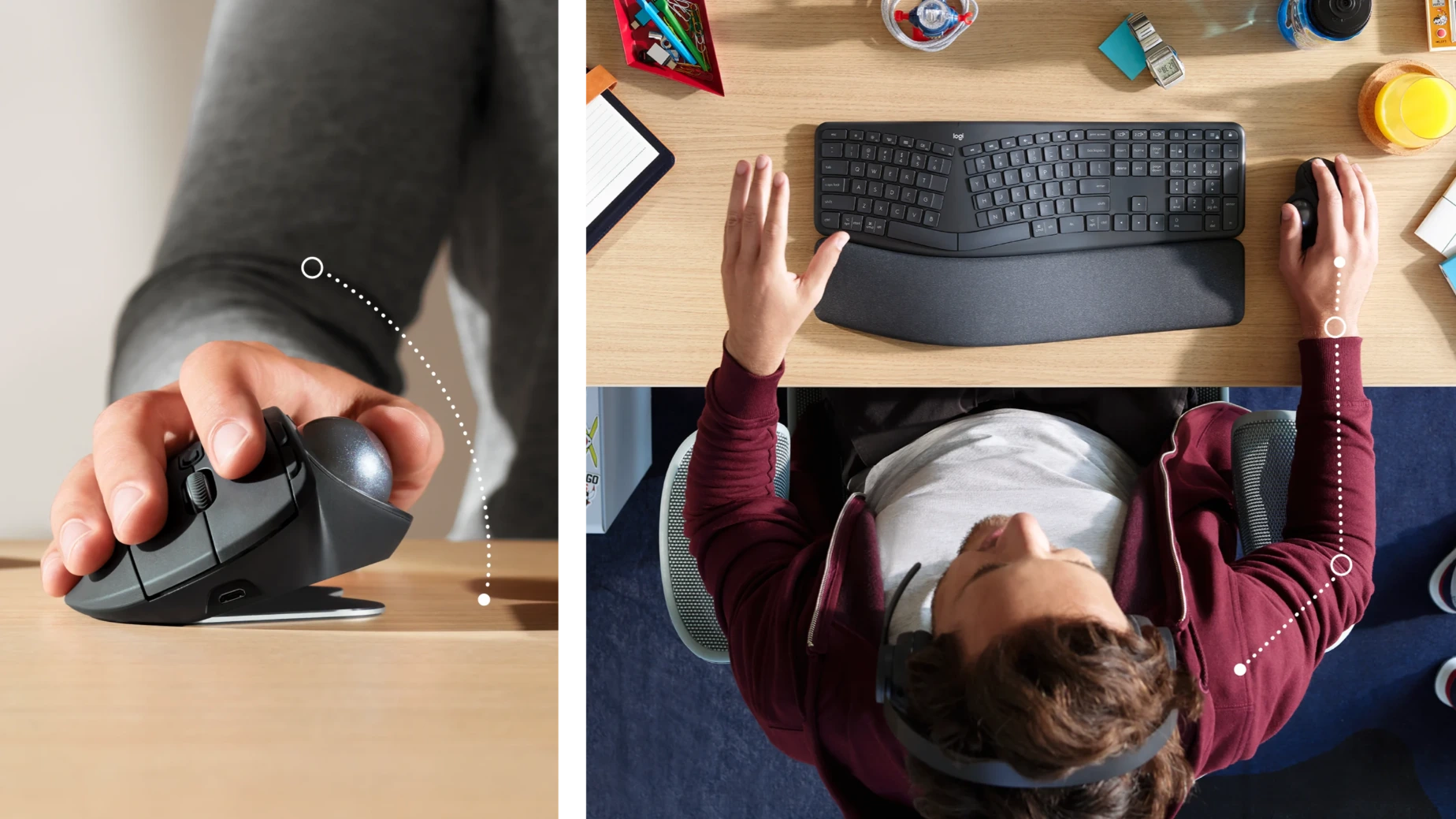

FULL PALM SUPPORT
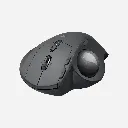
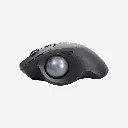
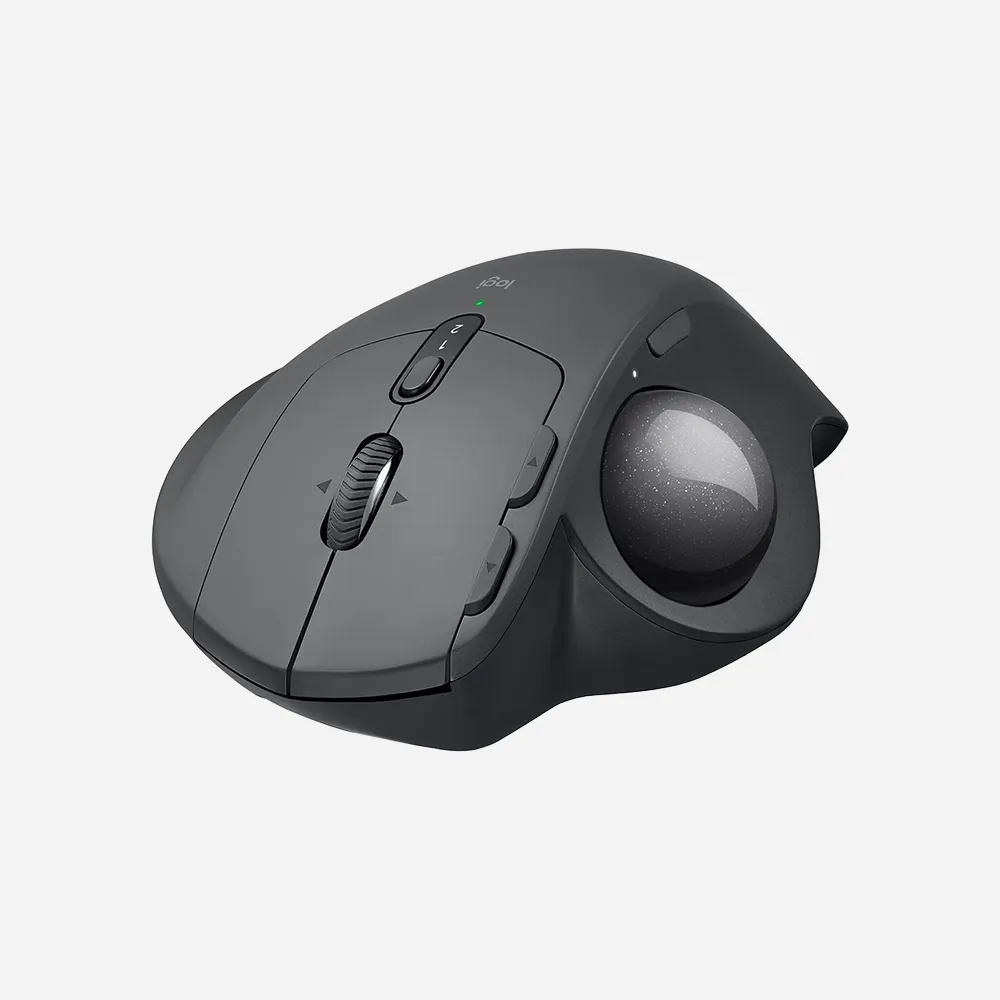
Work in comfort — even in the limited space at home. The hand-crafted shape of MX ERGO ensures full palm support, while the soft rubber offers a comfortable grip.
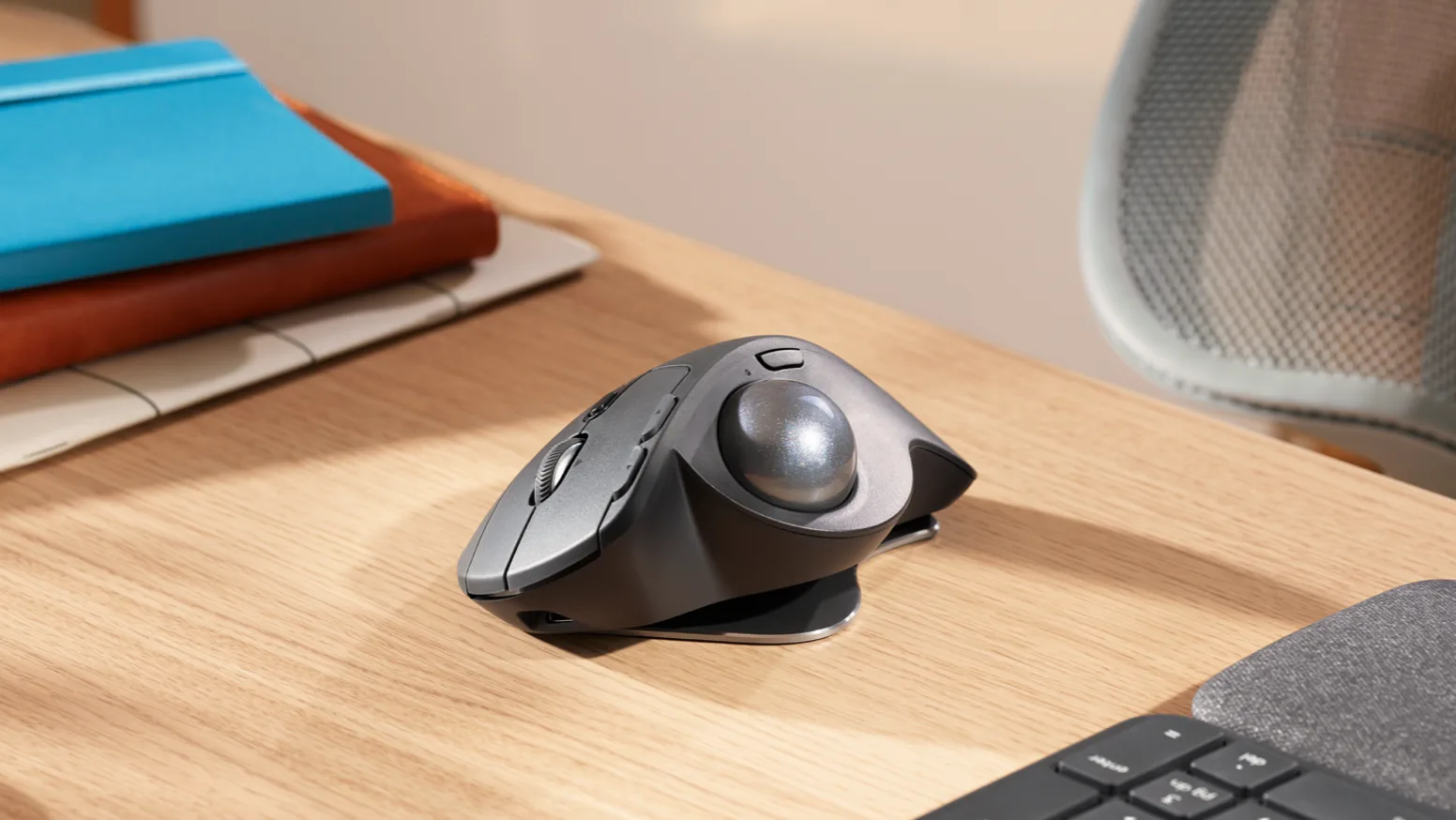
MORE CONTROL AND PRECISION
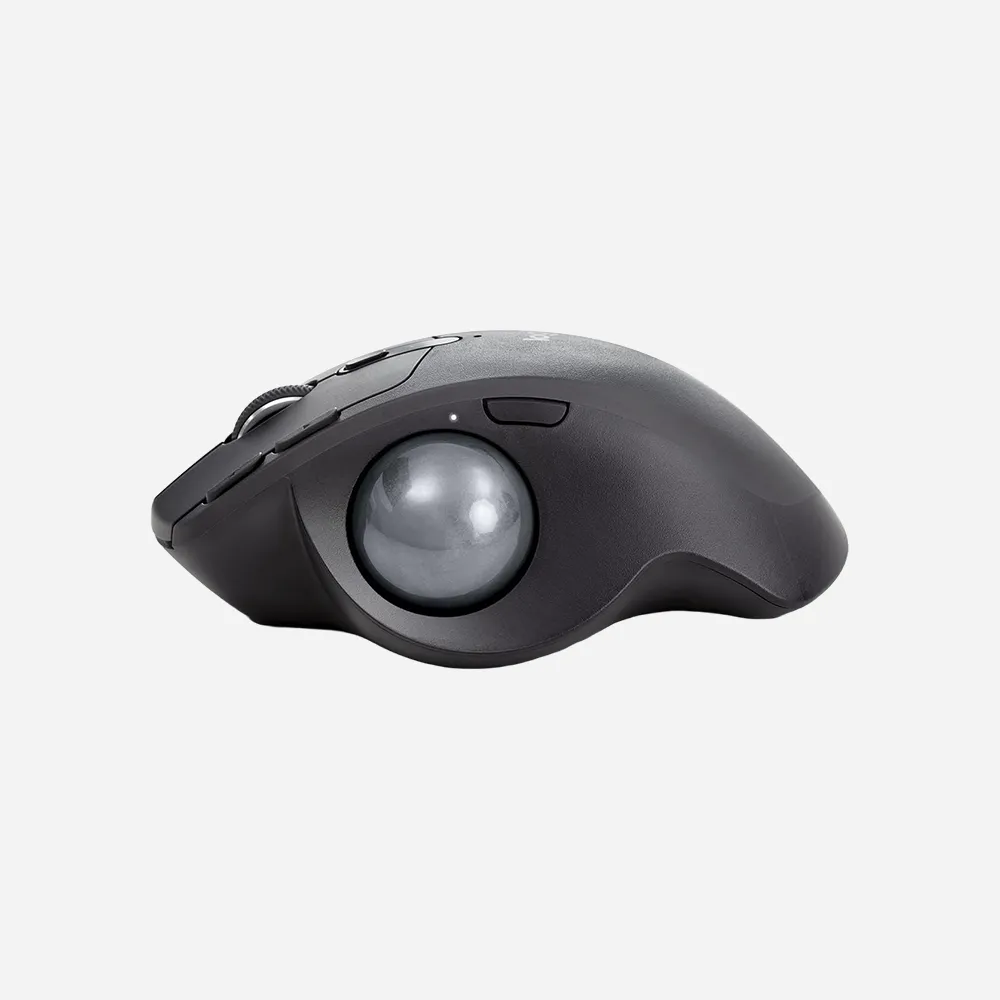
Easy thumb control makes excellent tracking and accuracy part of your daily routine. The precision mode button (DPI) lets you seamlessly switch between precision and fast-tracking modes.
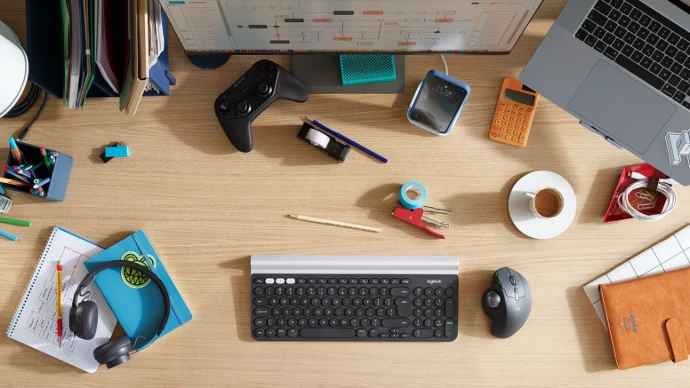
MULTI-COMPUTER WORKFLOW
Seamlessly control two computers with your Flow-enabled MX ERGO by simply moving the cursor to the edge of the screen. Your trackball seamlessly flows with you, even between Windows® and macOS and lets you transfer text, images, and files between computers. Just copy on one and paste into another.
Specifications
Sensor technology
- Logitech Advanced Optical Tracking
- Nominal value: 380 dpi
- Minimal and maximal value: 512-2048 dpi
Buttons
- Number of buttons: 8 (Left/Right-click, Back/Forward, Scroll-wheel with Right/Left-tilt and Middle-click, Precision Mode, Easy-switch)
- Number of customizable buttons: 6
- Customization appSupported by Logi Options+ on Windows and macOS® ?
Battery
- Rechargeable Li-Po (500 mAh) battery
- Battery life: Up to 4 months on a single full charge ?
Wireless technology
- Unifying USB Receiver
- Bluetooth Low Energy (BLE): 4.1
- Wireless operating distance: 33 ft (10 m) ?
- SustainabilityPaper Packaging : FSC™-certified
System Requirements
- USB ReceiverRequired : Available USB port Windows 10, 11 or later macOS 10.15 or later ChromeOS ? Linux ?
- BluetoothRequired : Bluetooth Low Energy Windows 10, 11 or later macOS 10.15 or later iPadOS ? 13.4 or later ChromeOS ? Linux ?
- Internet access required to download optional customization app Logi Options+ ?
Warranty Information
1-Year Limited Hardware Warranty
FAQs
1. What is the Logitech MX ERGO Wireless Trackball Mouse?
The Logitech MX ERGO is a premium ergonomic wireless trackball mouse that provides precise cursor control using a thumb-operated trackball, reducing the need to move your hand and arm.
2. How is the MX ERGO different from a traditional mouse?
Unlike a traditional mouse, the MX ERGO remains stationary on your desk while you control the cursor by rolling the trackball with your thumb, helping save desk space and reduce hand movement.
3. Is the MX ERGO comfortable for extended use?
Yes. The ergonomic design and adjustable hinge allow you to customize the tilt angle for a more natural hand position, making it comfortable for long work sessions.
4. Can the MX ERGO connect to multiple devices?
Yes. It supports Easy-Switch technology, allowing you to pair and switch between two connected devices with the touch of a button.
5. What connection methods does the MX ERGO support?
The mouse supports both Bluetooth® connectivity and the Logitech Unifying USB receiver for flexible wireless connections.
6. Is the MX ERGO compatible with Windows and Mac computers?
Yes. It is compatible with Windows, macOS, Linux, ChromeOS, and other supported operating systems.
7. What is Precision Mode on the MX ERGO?
Precision Mode lets you temporarily reduce cursor speed for enhanced accuracy, making it ideal for detailed editing, design work, and precise navigation tasks.
8. How long does the battery last?
The rechargeable battery can provide up to four months of use on a full charge, depending on usage habits.
9. Can I use the MX ERGO while charging?
Yes. The mouse can continue to operate while connected to its charging cable.
10. Does the MX ERGO support Logitech Flow?
Yes. Logitech Flow allows you to control multiple computers and transfer files, text, and images between compatible systems seamlessly.
11. Is the trackball easy to clean?
Yes. The trackball can be removed easily for cleaning, helping maintain smooth and accurate tracking performance.
12. Is the MX ERGO suitable for productivity and office work?
Absolutely. Its ergonomic design, customizable buttons, multi-device support, and precision tracking make it an excellent choice for professionals and office users.
13. Does the MX ERGO require a mouse pad?
No. Since the device remains stationary and uses a trackball for navigation, it works effectively on most desk surfaces without a mouse pad.
14. Can the buttons be customized?
Yes. Using Logitech Options+ software, users can customize button functions and create application-specific shortcuts for improved productivity.
15. Who should buy the Logitech MX ERGO?
The MX ERGO is ideal for users seeking ergonomic comfort, precise cursor control, reduced wrist movement, and efficient multi-device workflow management.